Brain It On! features a minimalist UI and simple operation buttons, allowing users to quickly get started. It also has a community communication mode that allows players to interact with each other, increasing the sense of interaction between players. The game involves solving riddles, requiring players to guess the riddles based on game hints and then win. With each victory, the game's difficulty increases, making it a great riddle game.
Features
Visual Style and Interface
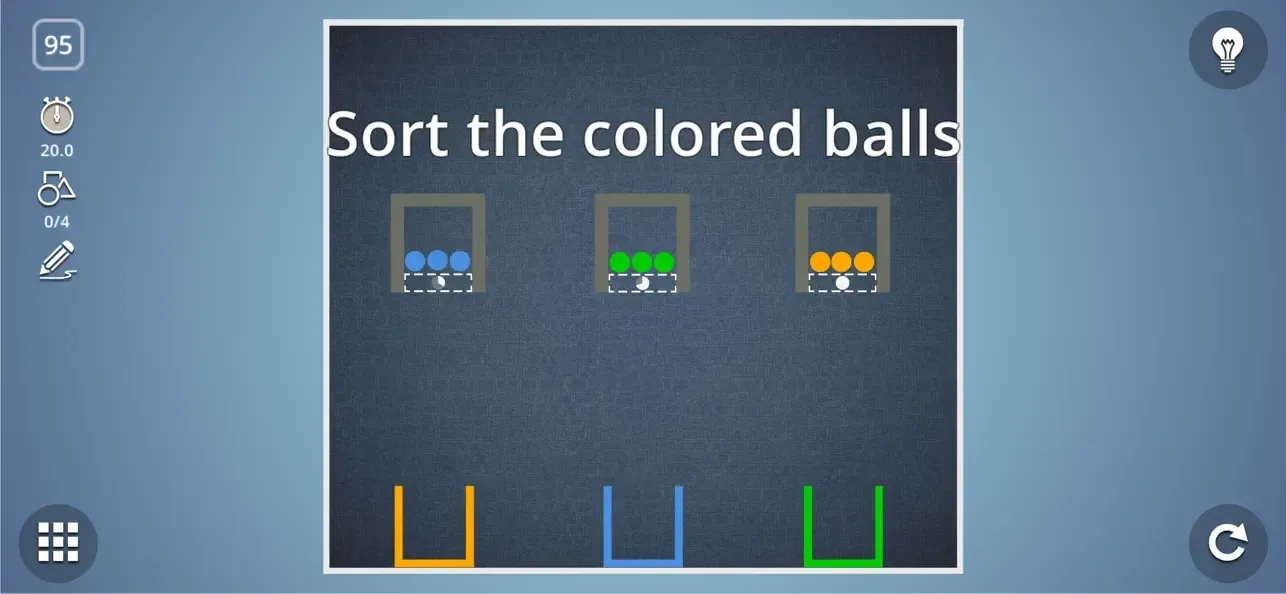
The app employs a minimalist design, focusing on clarity and functionality rather than flashy graphics. The visual simplicity ensures that gameplay remains at the forefront. Controls are responsive, allowing accurate line drawing, which is pivotal given the physics simulation.
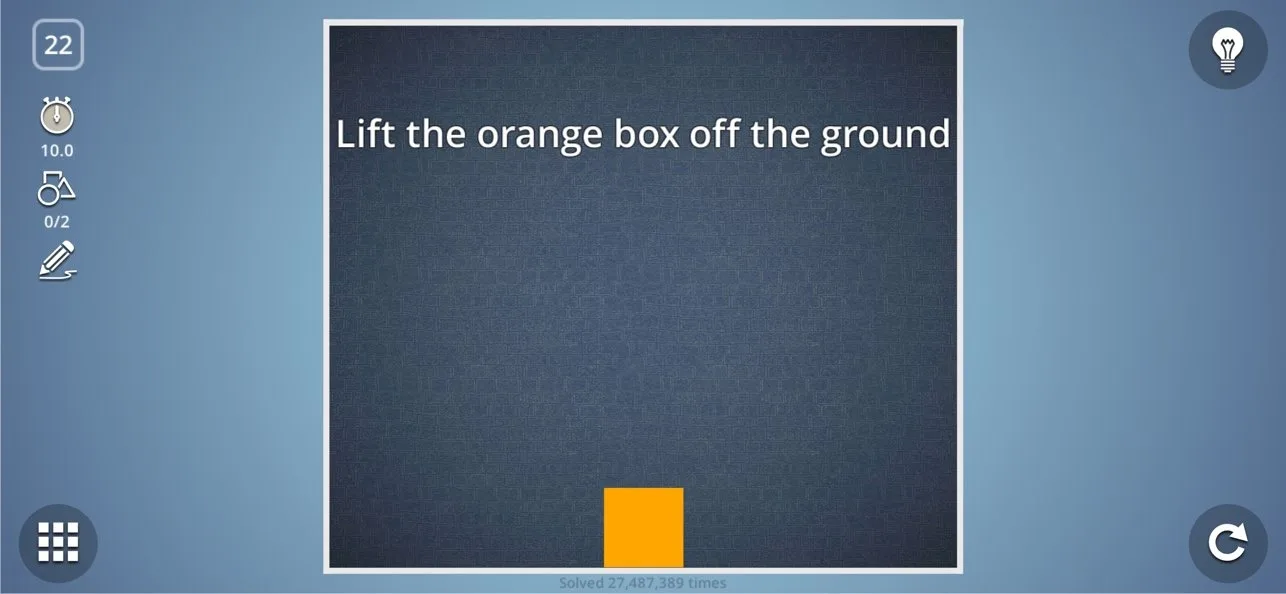
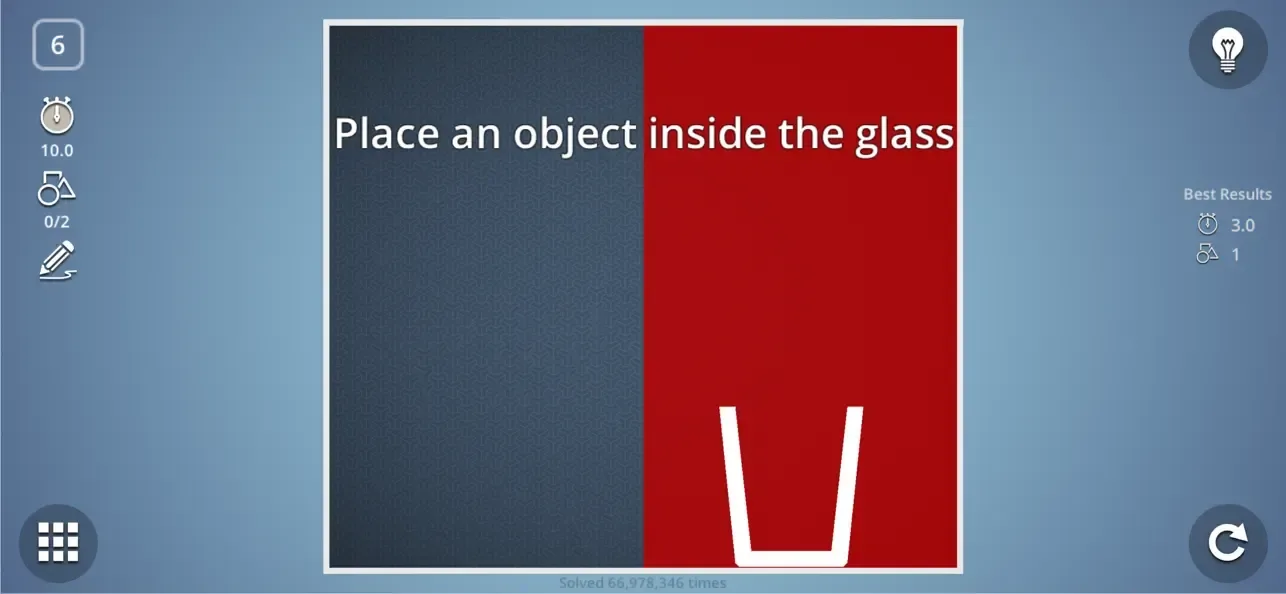
Navigation through levels and menus is straightforward. Level goals are clearly explained before each puzzle, letting players focus on solving rather than guessing what is required.
Challenging and Rewarding
What sets Brain It On apart is its high difficulty curve, appealing most to puzzle enthusiasts who enjoy a sustained mental challenge. Solutions are not always obvious; several levels require trial-and-error and sometimes a touch of ingenuity, rewarding players who persist.
As an added feature, the game ranks performance by assigning stars based on speed, efficiency of drawings, and use of minimal shapes. Achieving three stars adds replay value and motivates strategic thinking.
Monetization and Community Features
Brain It On is free to download. While ads appear between some levels, they are not overly intrusive. Players can opt for a paid version to remove ads and unlock all levels immediately. Additionally, the game supports a built-in level editor, enabling players to craft and share custom puzzles. This community-driven approach extends the value beyond the standard levels.
Advantages and disadvantages
Pros
Wide variety of creative, physics-based puzzles
Simple and intuitive drawing controls
Level editor and community-created content
Minimalist, distraction-free design
Cons
Difficulty may be too high for casual players
Basic graphics may not appeal to everyone
User comments
I got to level 25 while only needing a few hints but once I got to level 25 I could not get it completed within the time limit. I watched an ad to get the hint and I even tried drawing the shape from the hint on my screen to get the exact shape I supposedly needed. Even after tracing the exact shape that was supposed to get me 3 stars in less then 1 second I still couldn't get within the time limit. I eventually had to just give up because I had spent at least 5 minutes on this one level. If you are going to make a time limit on a level to get all the stars it should be possible. This level seems impossible to complete and they will only get harder. I would not recommend this game especially if you are looking for something fun. I get having some sort of challenge but this was simply too difficult. If you enjoy this game that is fine but to me it was so stressful and difficult that it almost made me cry.
I rarely write reviews, however this game is so great that I had to leave a few notes. 1. It’s addictive, in that fun I want to tell everyone about it way. 2. The challenges are great for anyone who has a brain and can be patient enough to try multiple different solutions. 3. I love the unlimited retires without ads. All games must have ads, but this one limits them in a vey tolerable way. 4. And lastly, I have never had trouble with lag, it works great and without flaws on my iPhone 8. My only two suggested changes are that 1. I could challenge someone and 2. I could play this in real life or on a big screen! Great job developers, I gotta get back to level 59 now :)
Very fun, some levels can be tough but if you need to you can get a hint. Lots of levels too, so it’s plenty of fun! A great free game and not many adds compared to most games plus it’s only $1.99 to remove them and be able to make your own levels. Lots of player created levels too. It’ll take a long time to win them all! One tip, on newer iPhones go to Settings - Accessibility - Guided Access and enable it so you don’t get those slide down or slide up iOS menus when your playing (just click the power button 3 times once you enable that feature so you can block or unblock those menus.) It’ll make gameplay almost perfect!
Summary
Brain It On offers a stimulating test for logic and creativity within a simple, user-friendly package. Its progression system, challenging puzzles, and active player community make it a standout choice for those seeking thoughtful entertainment on mobile.