
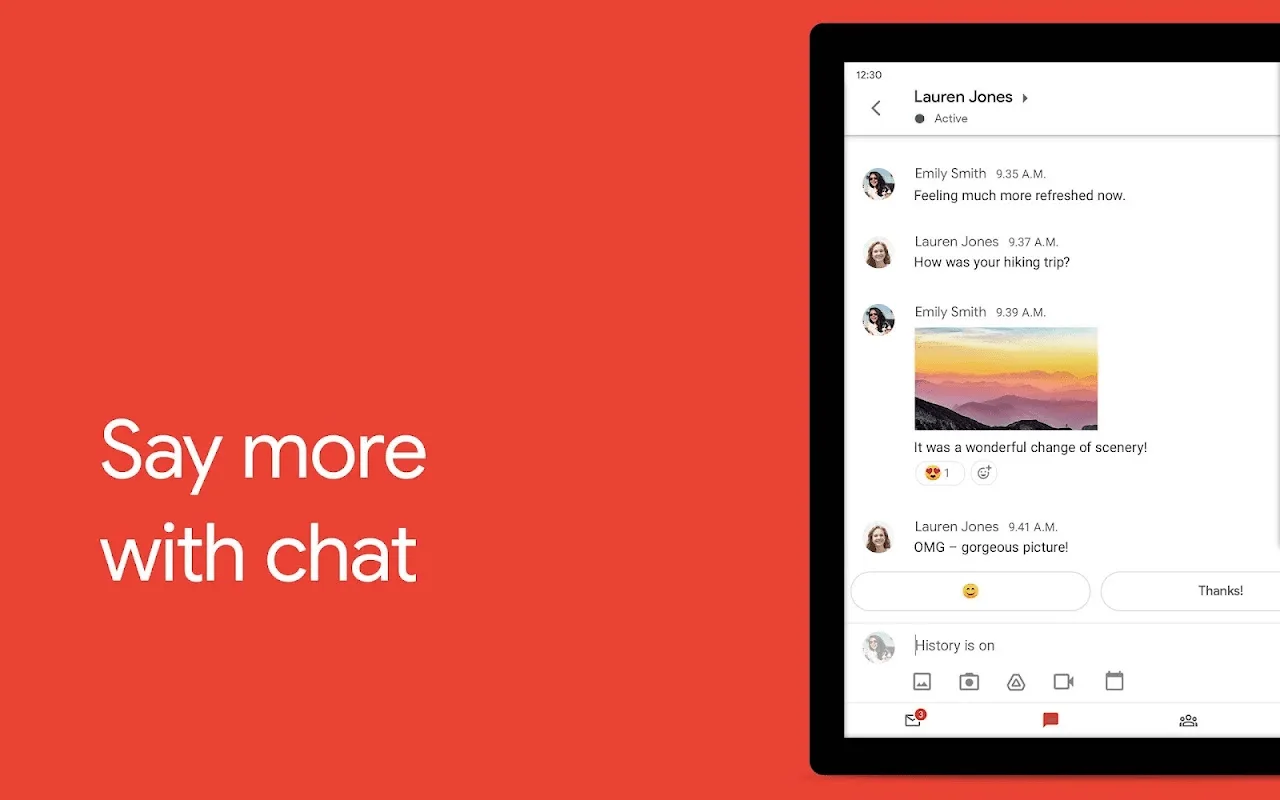
Gmail is a free webmail service that supports sending and receiving emails, intelligent categorization, security protection, and multi-platform synchronization. It features built-in Google search technology, allowing users to quickly find emails using keywords. The inbox is automatically categorized into tags such as primary, social, promotional, news feed, and forums, effectively improving information management efficiency. The software also supports offline mode, allowing users to compose emails without an internet connection and automatically send them after reconnection. Furthermore, as part of Google Workspace, Gmail deeply integrates with Google Chat, Google Meet, and Google Calendar, supporting direct initiation of video conferences, sending calendar invitations, or collaborative tasks within emails for efficient work.
Click to load YouTube / 点击加载视频
YouTube ↗Beginner's Guide:
Initial Setup: First Time Opening
When you open the Gmail app for the first time, the app needs some information.
First, the app will display a welcome screen.
Next, you will see a list of accounts already on your device. This often includes the Google account you used to set up your Android phone.
If you already have a Google account on your phone, you are almost done. Tap the account you want to use. Then, tap “Take me to Gmail.”
Adding a New Account
What if you want to use a different email address? Maybe you have a work account or a personal account. You can easily add more.
First, look for the option that says “Add another email address.”
Then, you will choose the type of account. Select “Google” for another Gmail address. You can also select “Outlook,” “Yahoo,” or “Other” for different providers.
Next, the screen will prompt you to sign in. Enter your email address.
Afterward, you type your password.
Finally, you might need to agree to the Terms of Service. Accept them to finish.
You successfully added your email. The app will now load your inbox.
Navigating Your Inbox
Your main screen is the inbox. This is where your new messages appear.
See all your recent emails listed here.
Notice the sender’s name and the subject line. This helps you decide which to open.
To read an email, simply tap on it.
Also, look for the following key items:
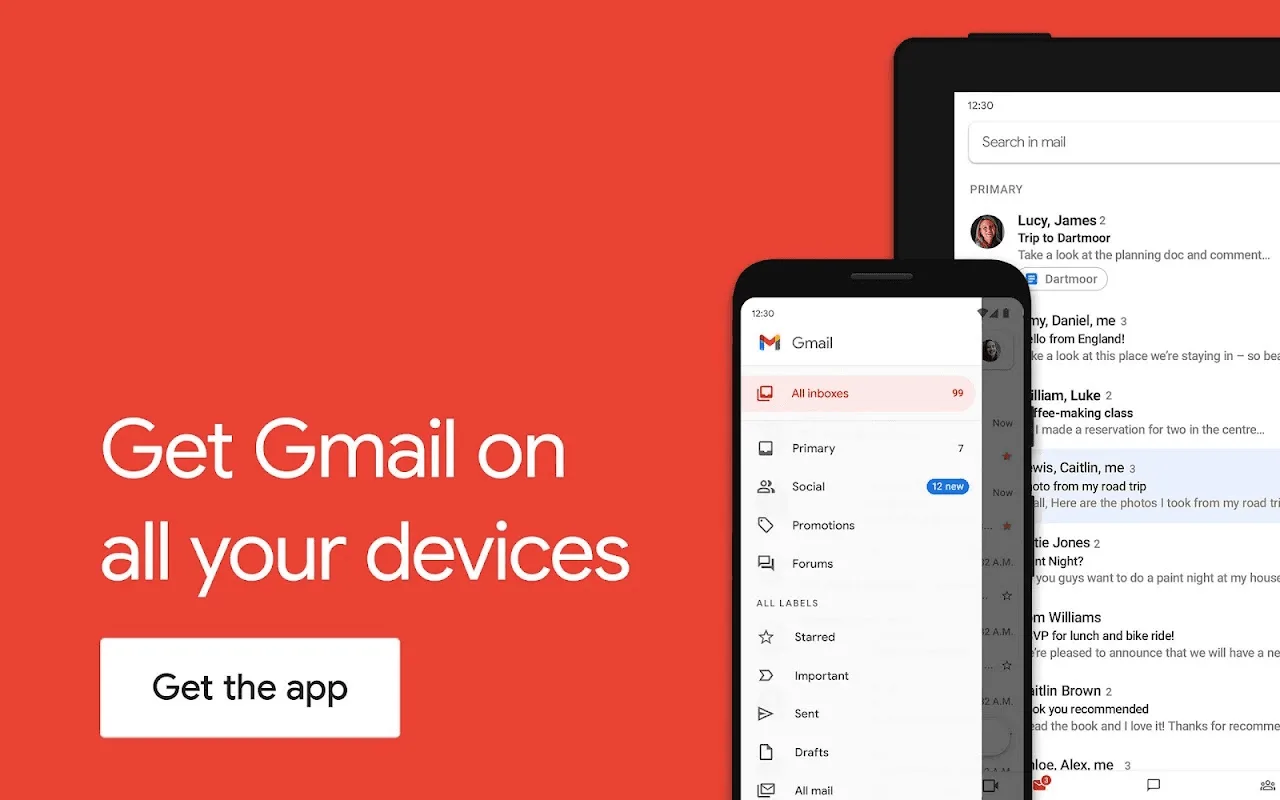
Search Bar: Use the search bar at the top to find specific messages quickly.
Menu Icon (Three Lines): Tap this icon in the top-left corner. This opens your folders (Inbox, Sent, Drafts, Spam).
Compose Button: Find the plus sign (often colored) at the bottom right. Tap it to start a new email.
Sending Your First Email
You are ready to communicate. Send an email to a friend or yourself for a test.
First, tap the Compose button. A new message window opens.
Then, type the recipient’s email address in the “To” field.
Next, write a brief subject line in the “Subject” field. Keep it clear.
After that, write your message in the main body.
Finally, tap the Send icon (often a paper airplane) at the top.
Congratulations! You just sent your first email using the Gmail app.
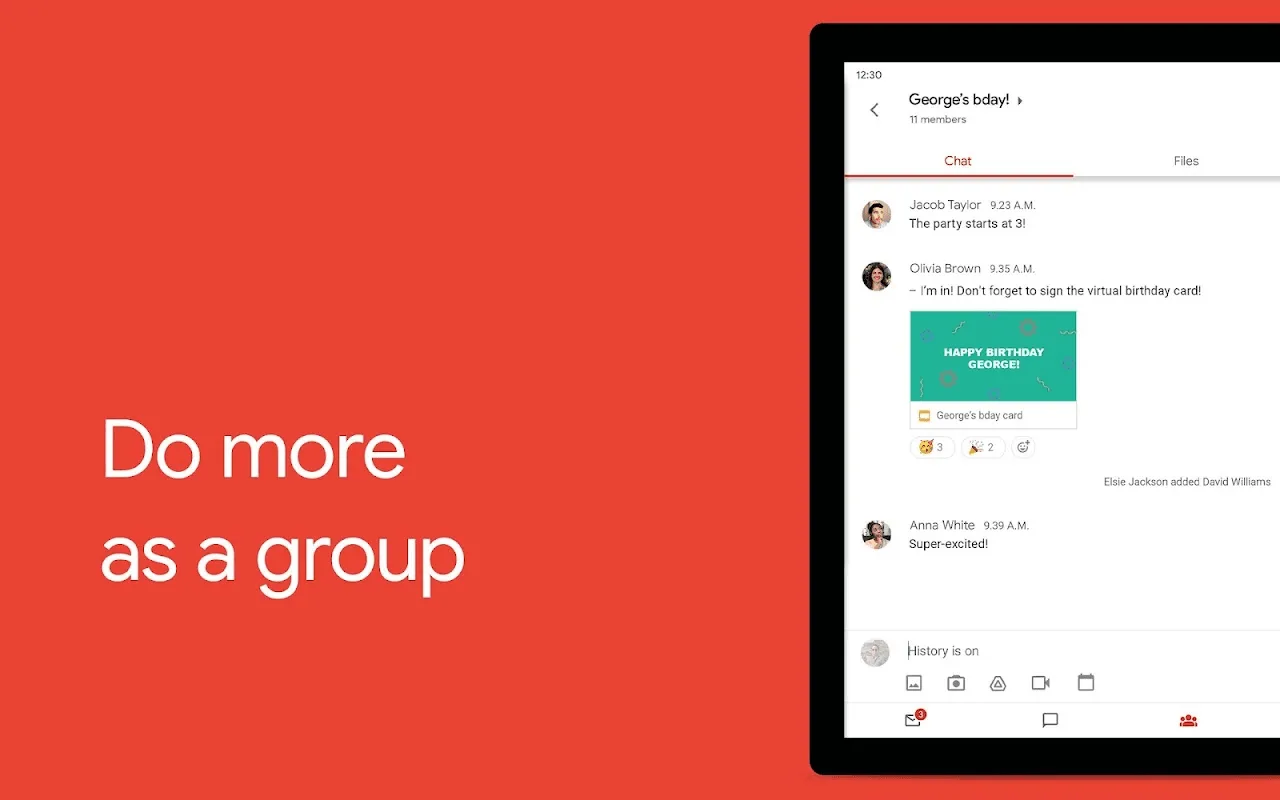
Features:
Essential Next Steps
You have mastered the basics. Now you can explore a few more useful features.
Check your Sent folder. You will confirm the message went out.
Access the Settings menu. Tap the Menu icon, scroll down, and select “Settings.” Here you can customize notifications. You can also set an email signature.
Set your notifications. Choose how you want the app to alert you for new messages.
Enjoy your new mobile email access. You are productive on the go.
Email Pause
This feature lets you put emails on "pause" for later processing. So, if you receive an email you can't reply to immediately—for example, one you think you can only deal with later—you can mark it as "pause." Come back to it later when you have time.
Reminders
With the "Reminders" feature, Gmail will notify you of any unopened or unanswered emails.
Secret Mode
This feature is a fantastic security upgrade. Now you can send emails that cannot be forwarded, copied, downloaded, or printed. It's perfect for ensuring sensitive information remains only between you and the intended recipient.
Self-Destructing Emails
Inspired by Snapchat's self-destructing messages, Gmail now allows you to send emails and set when they disappear. This is another great way to ensure sensitive information doesn't fall into the wrong hands.
Password-Protected Emails
Another security feature! Now you can send emails that require a password to open. Oops! That must be bad news for hackers!
Offline Mode
Business travelers will appreciate this feature. Now you can compose emails on the plane (or anywhere without an internet connection) and be sure to save and sync them immediately once you reconnect to the internet.
Advantages:
Find the details you need with summary cards at the top of your emails
Unsubscribe from unwanted email senders in one place
Search your inbox with relevant keywords or ask Gemini* to find specific details from your inbox or Google Drive files
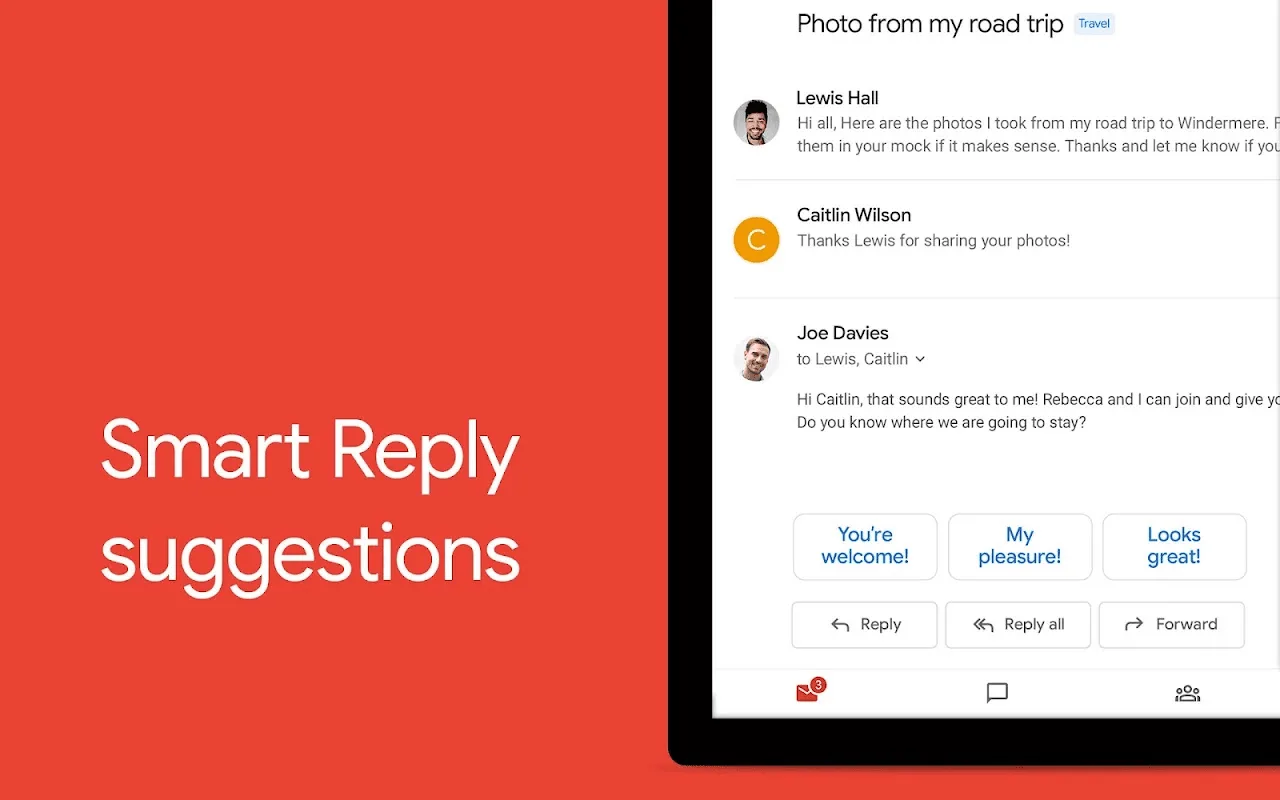
Use Gemini* as your AI powered writing assistant right from your inbox, with built-in features like ‘Help me write’ and contextual Smart Reply
Switch between multiple accounts from different email providers
Have peace of mind because Gmail automatically blocks more than 99.9% of spam, phishing, and malware from ever reaching your inbox
Use the ‘Add to Calendar’ button to create Google Calendar invites instantly with Gemini*, right from your inbox
Add a Gmail complication and tile on your Wear OS watch to get a quick overview of your emails
FAQs:
How does Gmail protect my privacy?
Gmail employs multiple security layers including suspicious activity detection and spam filtering. Your data remains protected through Google’s advanced security infrastructure that continuously monitors for potential threats.
Can I use multiple email accounts?
Yes, you can add and manage multiple email accounts including Gmail, Outlook, Yahoo, and other IMAP-enabled services. The app maintains separate inboxes while allowing quick switching between accounts.
What happens to emails I delete?
Deleted messages move to Trash where they remain for 30 days before permanent deletion. During this period, you can restore accidentally deleted emails or empty the Trash manually for immediate removal.
Does the app support large attachments?
Gmail allows you to send attachments up to 25MB in size directly from your device. For larger files, the app automatically generates Google Drive links that you can share through your email message.
Summary:
The application caters to a wide audience, from individual users to larger teams, offering tools that accommodate various needs. Users looking for a reliable email solution will find that Gmail's extensive features and integrations make it a strong contender in the email application marketplace.With its combination of security, user-friendly interface, and collaborative tools, Gmail stands out as a comprehensive email solution for Android users. Whether managing personal emails or collaborating with colleagues, the app provides the necessary tools to enhance productivity and maintain effective communication.






