

XShare - Transfer & Share files is a file management application. Here, you can simply tap send to transfer selected files to another device that has XShare installed. The application's transfer doesn't rely on a network, allowing for fast file transfers anytime, anywhere. The application boasts extremely fast transfer speeds, even for large files. Security concerns? Don't worry! XShare - Transfer & Share files is extremely secure during the transfer process, so you don't need to worry about your privacy being compromised! Furthermore, XShare - Transfer & Share files supports almost all Android devices, even mid-to-low-end devices.
Use
Ensure both devices have XShare installed, then run the application. Transferring files is a simple two-step process:
- Select the file, then tap "Send/Receive" on your device;
- The recipient scans a QR code to connect with the sender;
- Tap Connect to successfully send the file!
Features
No network required, fast transfer anytime, anywhere!
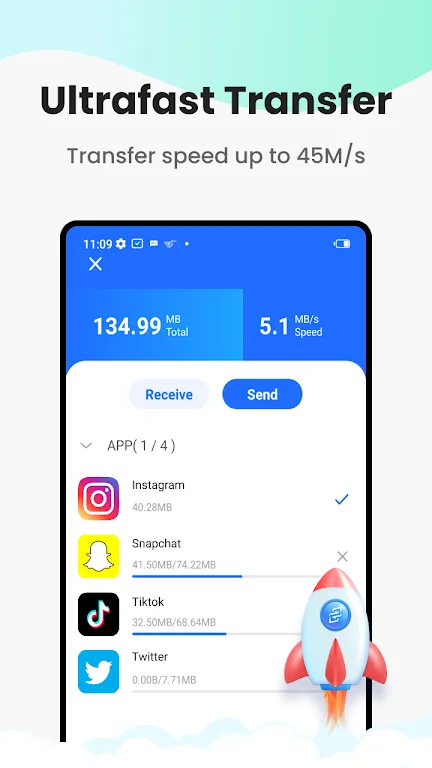
Lightning-fast transfer of large files without any data required.
One-click connection
No QR code scanning required!
Speed Limit
Enjoy faster transfer speeds now, a file transfer app more convenient than Bluetooth!
Extremely Secure Transfers
No need to worry about privacy leaks. Send files securely with Telegram!
File Manager
Easier to view and delete files in one app!
New User Interface
A brand new user experience to start your transfer journey!
Extremely Secure Transfers
No need to worry about privacy leaks. Send files securely and reliably!
Supports All Android Devices and File Types
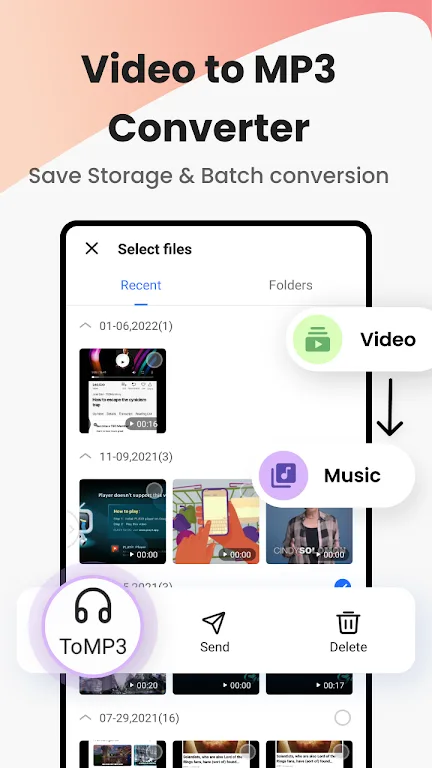
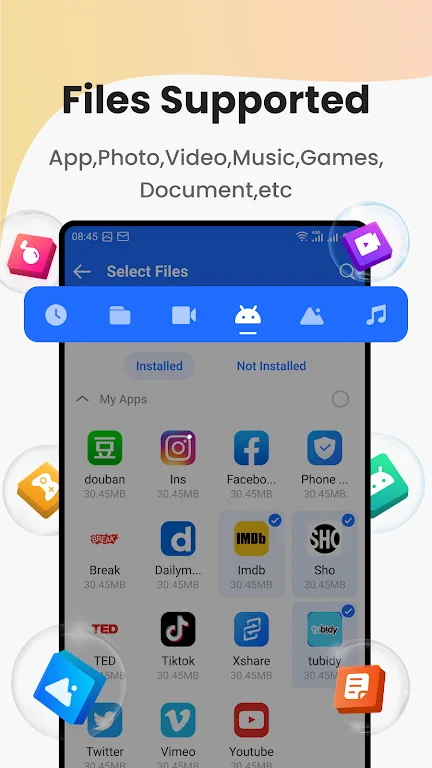
Send an unlimited number of large files and multiple files or folders at once: apps, images (PNG, JPG), videos, music (MP3), documents, PDFs, ZIPs, etc.
Highlights
XShare - A full-featured transfer and sharing app that uses Wi-Fi Direct technology to establish a connection between two devices. Wi-Fi Direct is a wireless communication technology that allows devices to connect directly to each other without intermediate networks such as Wi-Fi routers. To use XShare, both the sending and receiving devices need to have the app installed.
Once the devices are successfully connected, simply select the files you want to share and click the send button. The app transfers files via Wi-Fi Direct, significantly faster than traditional Wi-Fi or Bluetooth. It also includes a built-in file manager for browsing and organizing files before sending.
The file manager makes it easy to find files you want to share, and you can create folders for better organization. This app offers many other features, but it has one drawback: it only works on devices that support Wi-Fi Direct, which may limit its compatibility with older devices.
Pros and Cons
Pros
Fast peer-to-peer file transfer
No mobile data or Wi-Fi required
Supports photos, videos, documents, music, and apps
Easy-to-use interface and built-in file manager
Secure local transfers.
Cons
Both devices need to support Wi-Fi Direct.
Cannot transfer to non-Android devices or desktop devices.
Conclusion
XShare provides a fast local file transfer service for frequently used files without a network connection. First, obtain the XShare APK file and set up both devices for sending and receiving files.






