PDF Converter Pro is a highly praised document management utility that helps users easily edit, convert, and manage documents, making your work more efficient and saving you valuable time. The application presents a stylish, intuitive, lightweight, and convenient document processing program for a wide range of users. Users can experience powerful document format conversion, document splitting and merging, importing and exporting functions through simple and easy-to-use steps. The application provides fast response, making your PDF management more convenient.
Click to load YouTube / 点击加载视频
YouTube ↗Awesome Functions of PDF Converter Pro
Supports conversion between PDF and other document types (currently supports Word/Excel/PPT/images).
Converts PDF to Word, Excel, PowerPoint, and image formats.
Converts Word, Excel, PowerPoint, and image formats to PDF format.
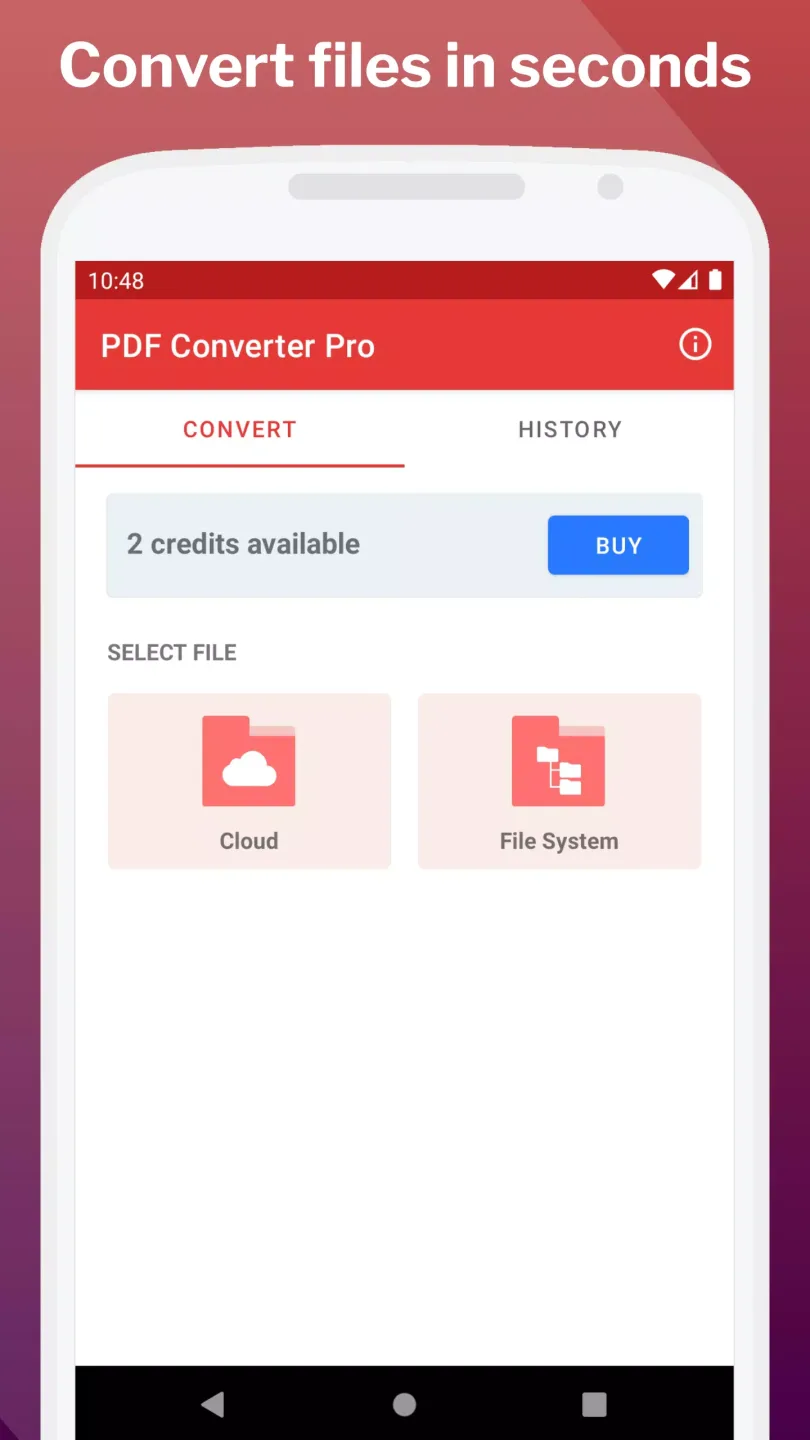
Supports conversion of local and cloud documents.
Unlimited converted document size.
Supports batch document conversion.
After conversion, documents can be easily shared through popular social instant messaging applications.
Supports local document management.
Attractive Features of PDF Converter Pro
Word to PDF: This system quickly converts DOC files to corresponding PDF files, guaranteeing conversion quality. This is ideal for situations where everyone uses or shares files at work.
Image to PDF: Merging multiple files into a single complete document is often a highly desirable feature. Therefore, you can merge multiple JPG files simultaneously for the most convenient storage method.
Web Page to PDF: Web page content can be fully utilized if it meets your work needs. The system can quickly save it as an important document.
Merge and Split: Everyone can merge or split files as needed to save device space and facilitate access. This eliminates the need to spend excessive time searching for information in large libraries.
File Security: For security reasons, users should try setting a suitable password before leaving the work interface. This is perfectly understandable, as anyone can quickly revoke any unauthorized access.
User-Friendly: You can easily get started and fully utilize the features when using the application for the first time. You can quickly edit the content of existing files or create complete documents quickly.
Wonderful Performance of PDF Converter Pro
Use the built-in PDF reader or any other installed document viewer. Edit files by connecting to the scanner app and its PDF editor. Now you can easily create measurement PDFs and share them in your desired format.
Scan documents using the Camera Scanner app, which connects directly to the document converter to share files from the scanner and convert them to any format.
Share documents with the Camera Translate Scanner app using the direct share feature; this allows you to recognize text in documents or translate them into any language in the world. The app is compatible with over 100 languages.
Excel can scan, copy, and convert any photo, image, table, or chart. It can also modify and convert photos, change file extensions to your desired format, and send the final document directly from the file converter.
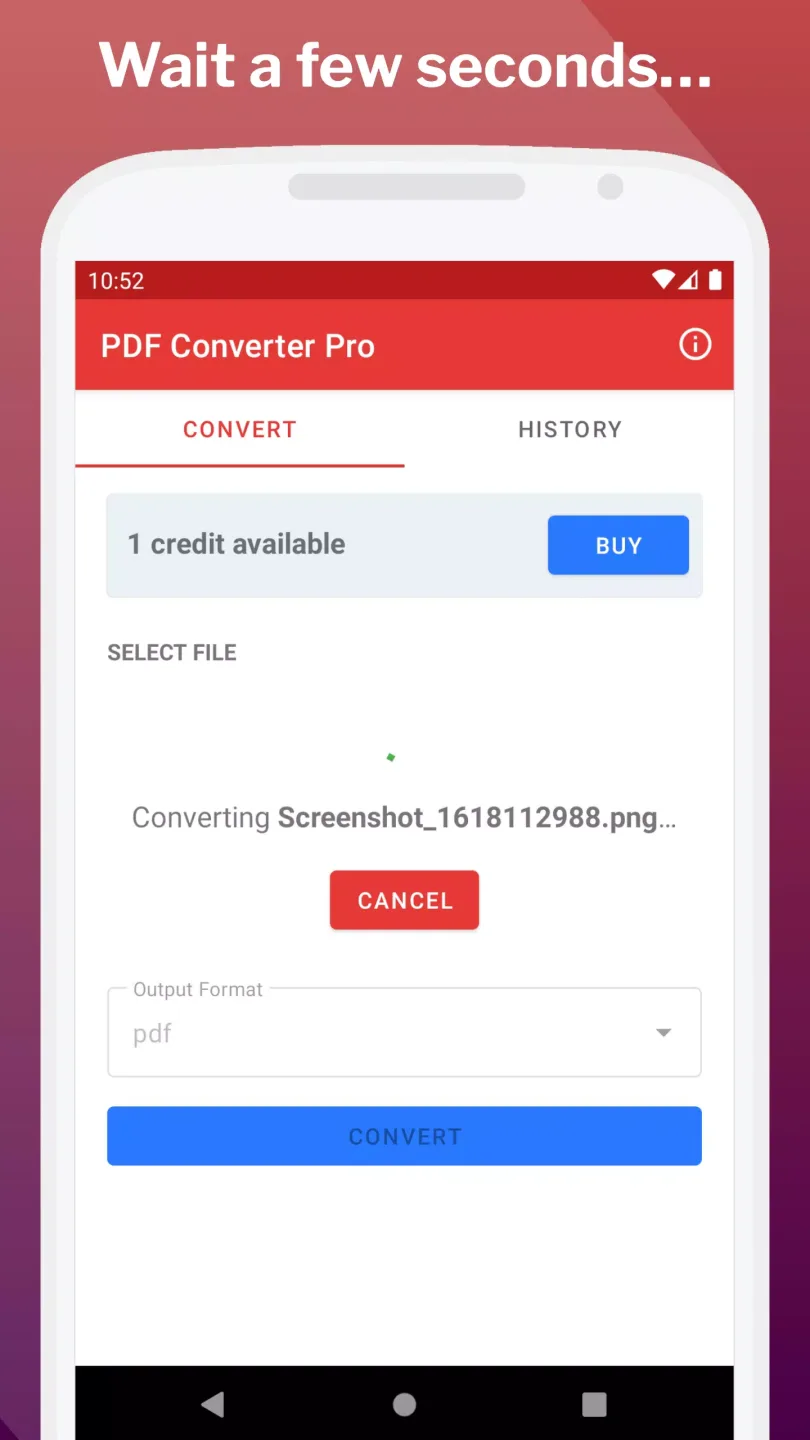
Optimized app helps you save battery and resources when converting documents to different formats. Conversion can be done in the background, and you will receive a notification when the conversion is complete.
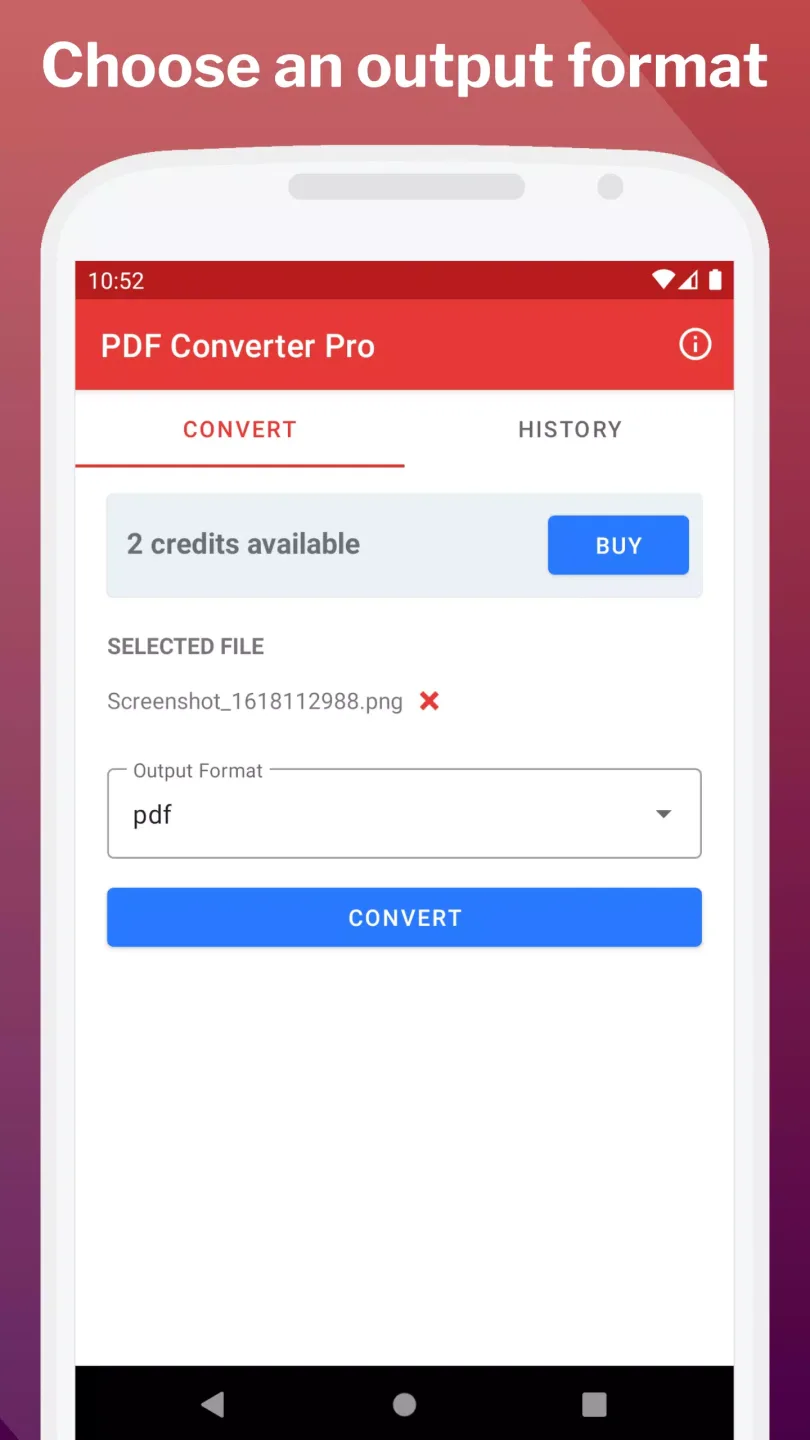
Excellent Highlights of PDF Converter Pro
We guarantee your documents are 100% original!
Use the fast, high-quality PDF Converter Pro
PDF Converter Pro has no file size limits!
We're designed with you and your large documents in mind!
Batch conversion—easily overcome these technical hurdles!
Select all files you need to convert at once, and it's done with a single click!
Whether your files are local or in the cloud,
all files can be converted here!
You can also share your completed documents to other applications.
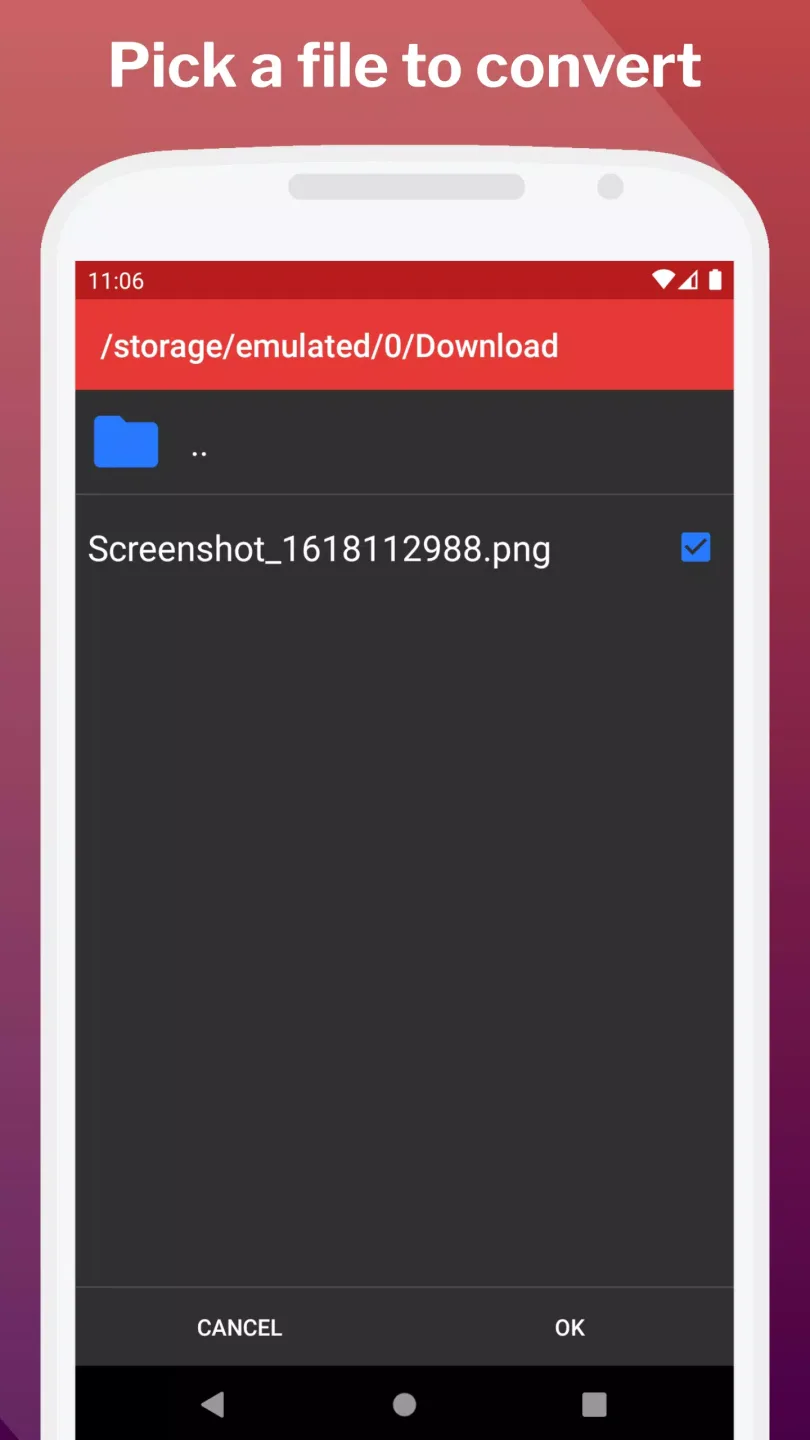
Final Thoughts
With this PDF converter on your phone, file format conversion has never been easier. It offers many practical functions and can handle various file formats such as Word, PPT, and PDF. You can view, convert file formats, split files, merge files, and manage all your documents. Converted files can be easily shared and password protected as needed. Safe, convenient, and reliable—all under your control.