
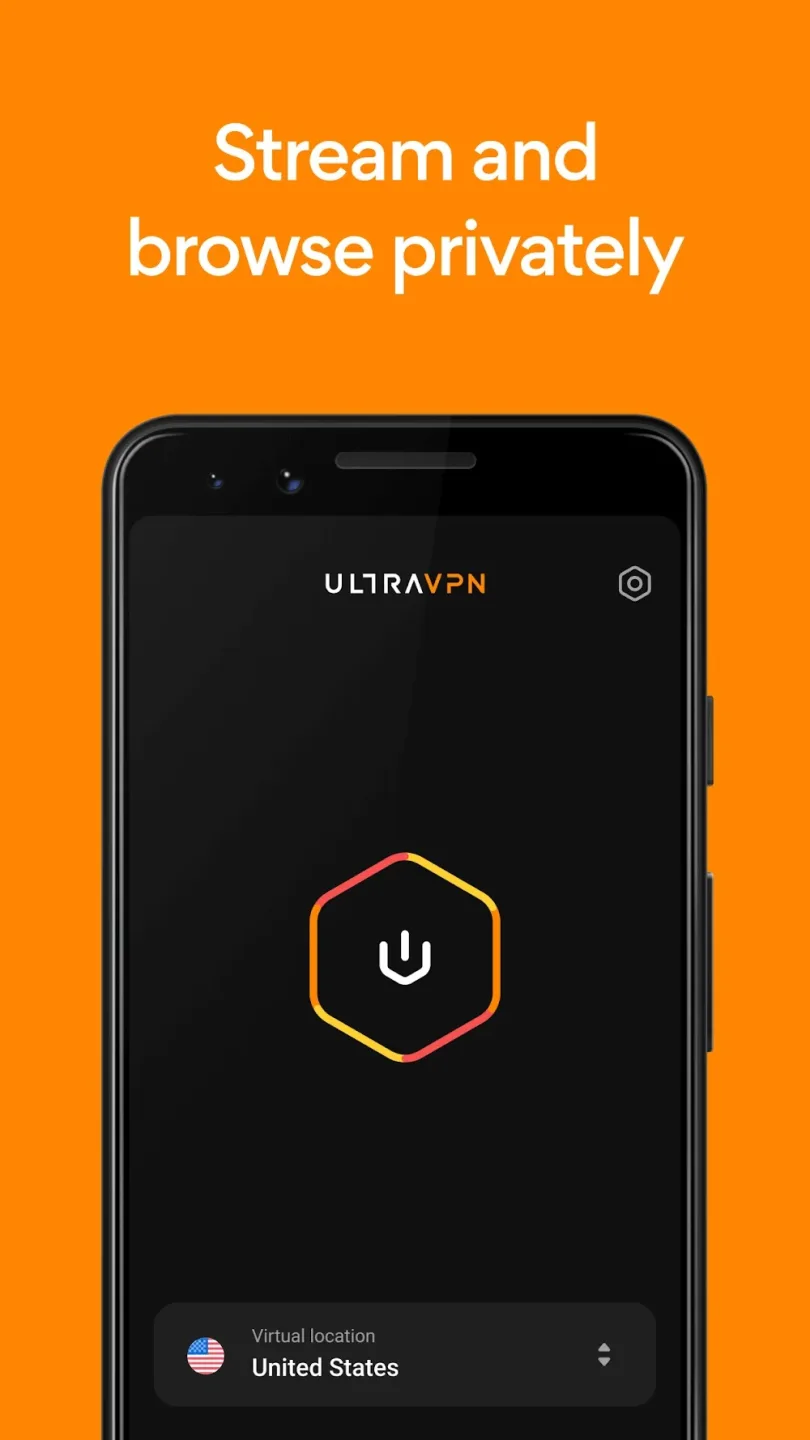
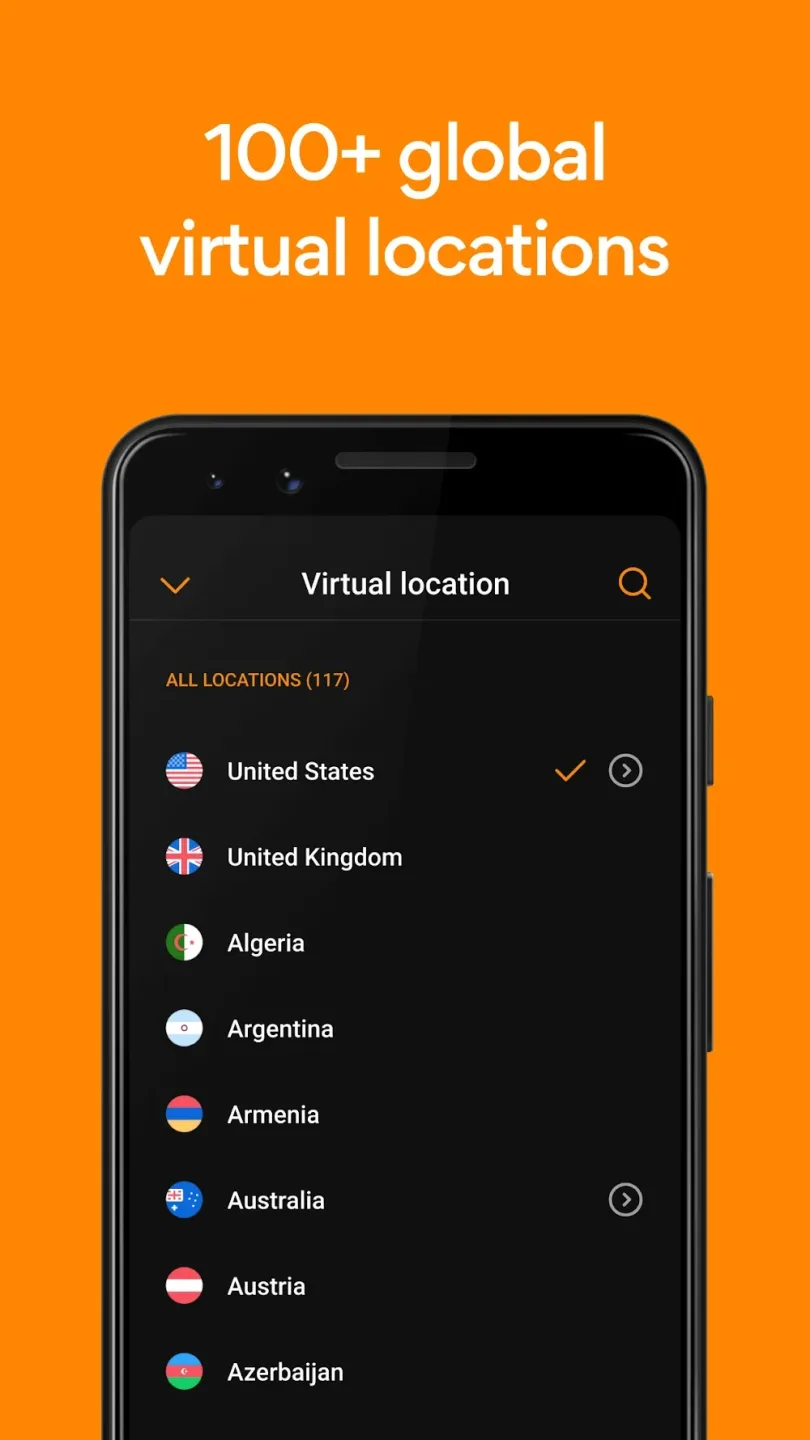
UltraVPN is a popular VPN service application. Completely free, it offers users an extremely simple and easy-to-use initial experience, allowing you to connect freely anytime, anywhere with servers located around the world. With UltraVPN, you can overcome network barriers, making streaming, web browsing, and downloading easier than ever before. Users can choose servers in any country and check connection quality by viewing the parameters displayed after each successful connection. Furthermore, under the same server, there are usually many sub-options related to different locations within that country, allowing you to freely switch between these locations to ensure the security of your information.
Highlights:
Protect all public information: Your personal things are not easily exposed if you are protected by a VPN server.
Preventable attacks: These often come from people doing bad things with other people’s IP addresses.
Surf the web with peace of mind: Users can go to many places on the Internet without worrying about encountering hackers.
Features:
Unblock favorite websites
In fact, it’s not always possible to access your favorite sites online. This is when you should use Ultra VPN to overcome barriers and access the content you love. When using this application, you will not spend too much time and effort accessing any website because everything works completely automatically. More specifically, the IP address of the Android device will be changed to be able to access foreign websites.
Multiple VPN servers
The number of VPN servers in Ultra VPN is truly diverse, located in many countries around the world such as the UK, USA, France, Austria, Germany, Korea, China, and more. All servers are displayed through their respective country icons for easy identification by users.
Browse the web anonymously
Anonymous browsing is one of the most loved features by users when using VPN devices. Ultra VPN will automatically hide the IP address of your Android device so you can enjoy absolute security when using the internet. More specifically, when enabling this application, an IP address will appear to cover the real IP address immediately. This process works completely automatically to help users not need to perform too many operations but still ensure absolute safety.
Faster and more stable connection
Internet connection is faster and more stable when using Ultra VPN. Basically, this application provides users with many algorithms to optimize browsing speed through available servers. You only need to perform a few basic one-touch operations to enjoy the fastest and safest browsing speed. Feel free to listen to music and watch movies whenever you want without any interruptions in use.
Tips for Users:
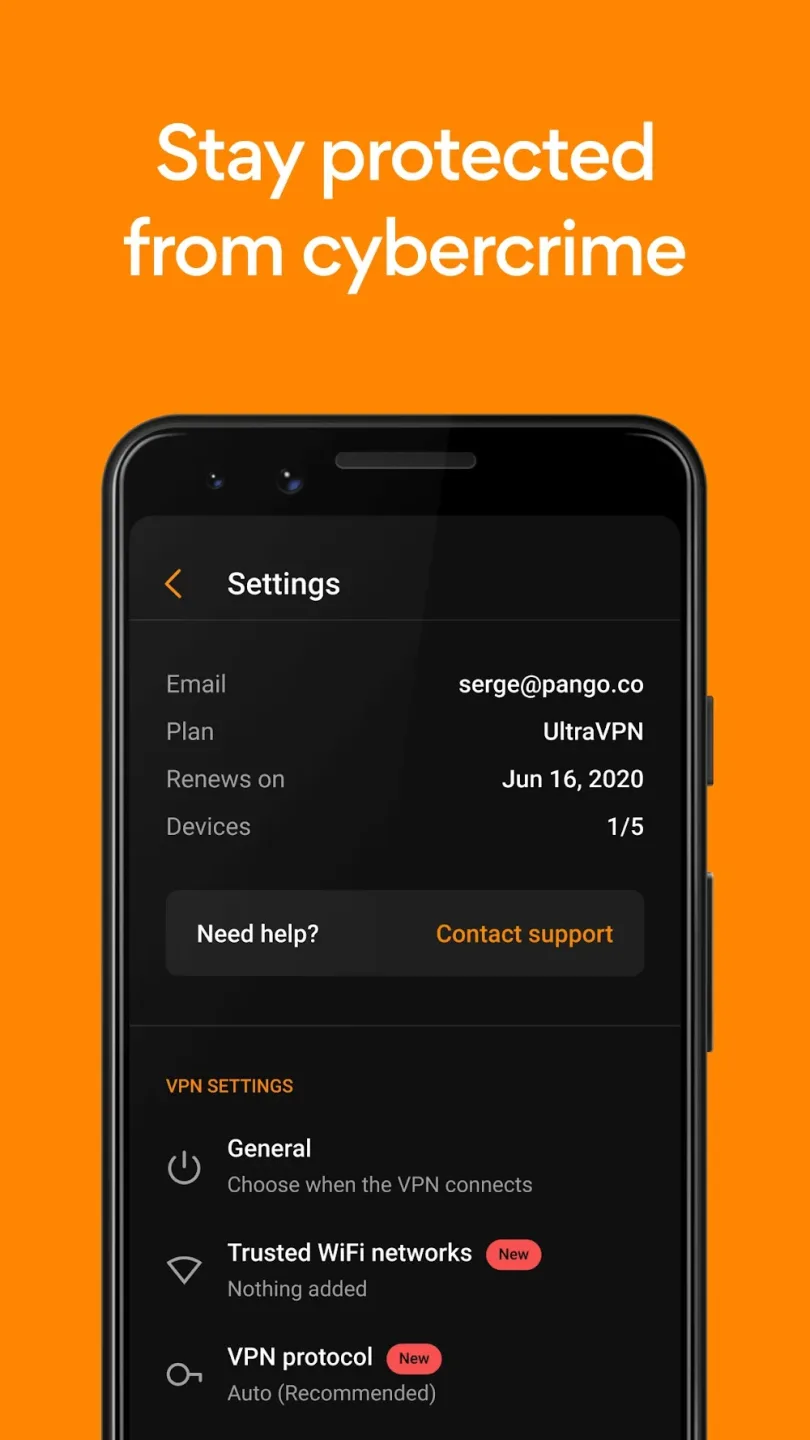
Toggle the always-on setting to keep UltraVPN running while browsing, shopping online, or playing games.
Utilize the Location Changer feature to access content from different regions.
Enable Malicious Site Blocking to avoid falling victim to cybercriminals.
Connect to public WiFi hotspots confidently by using UltraVPN for enhanced security.
Changelog:
We’re always working to improve Hexatech with bug fixes and optimizations.
Whenever we add awesome new features, we’ll let you know!
Final Words:
From now on, you can access the global internet with one tap through the advanced encryption technology available in Ultra VPN. This application brings a lot of optimal browsing features to fully meet the entertainment and work needs of users. No matter where you are located, you can easily access the servers available in this application.