Zapya is a cross-platform file transfer tool that allows users to create their own hotspots to form a wireless local area network (WLAN) without requiring WiFi or mobile data. Transfer speeds reach up to 10MB/s, 128 times faster than Bluetooth, and can transfer 260 uncompressed photos in just one minute. It also supports group transfers for up to 5 people and offline chat, and allows for quick device interconnection via radar scanning or QR codes. Furthermore, it features practical functions such as one-click device switching, long-distance file transfer, file encryption and hiding, and USB drive resource management.
Click to load YouTube / 点击加载视频
YouTube ↗How to use:
After installing the app, you can share files locally or through the web, depending on the situation. If you install via the Zapya APK, the steps below show how to start your first transfer on Android.
Open Zapya. Grant storage and nearby access permissions if prompted. Then tap Create Group or Join Group to prepare a local session.
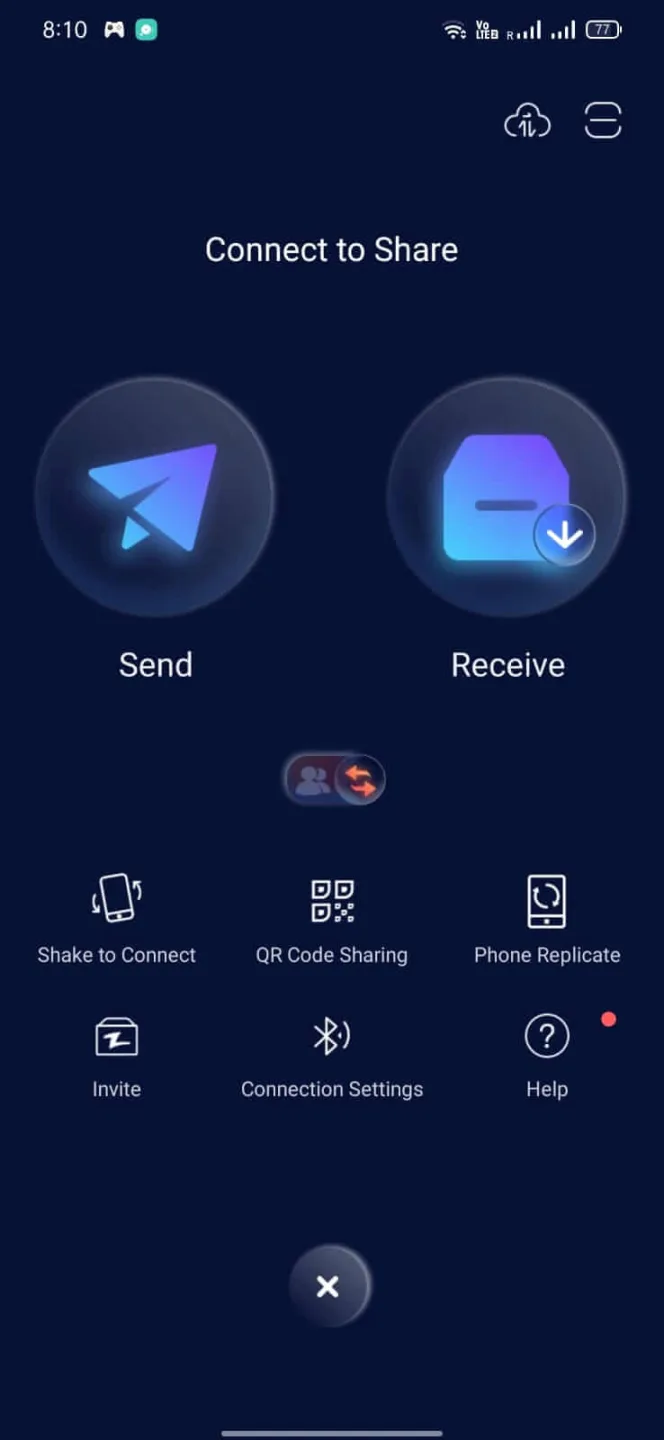
To add a nearby device, scan the peer QR code, use Shake to connect, or select the device from radar. Wait until both devices confirm the connection.
Select photos, videos, music, documents, or apps from the file picker. Tap Send. The recipient accepts the request and the transfer begins.
For phone migration, open Phone Replication. Choose old and new phone, then follow the on screen prompts to move folders and many files. If you sent apps, use Install All on the receiving phone.
To share remotely, open Zapya Transfer in a browser. Choose send or receive, then follow the displayed code or link. Share the code with your contact to complete the transfer.
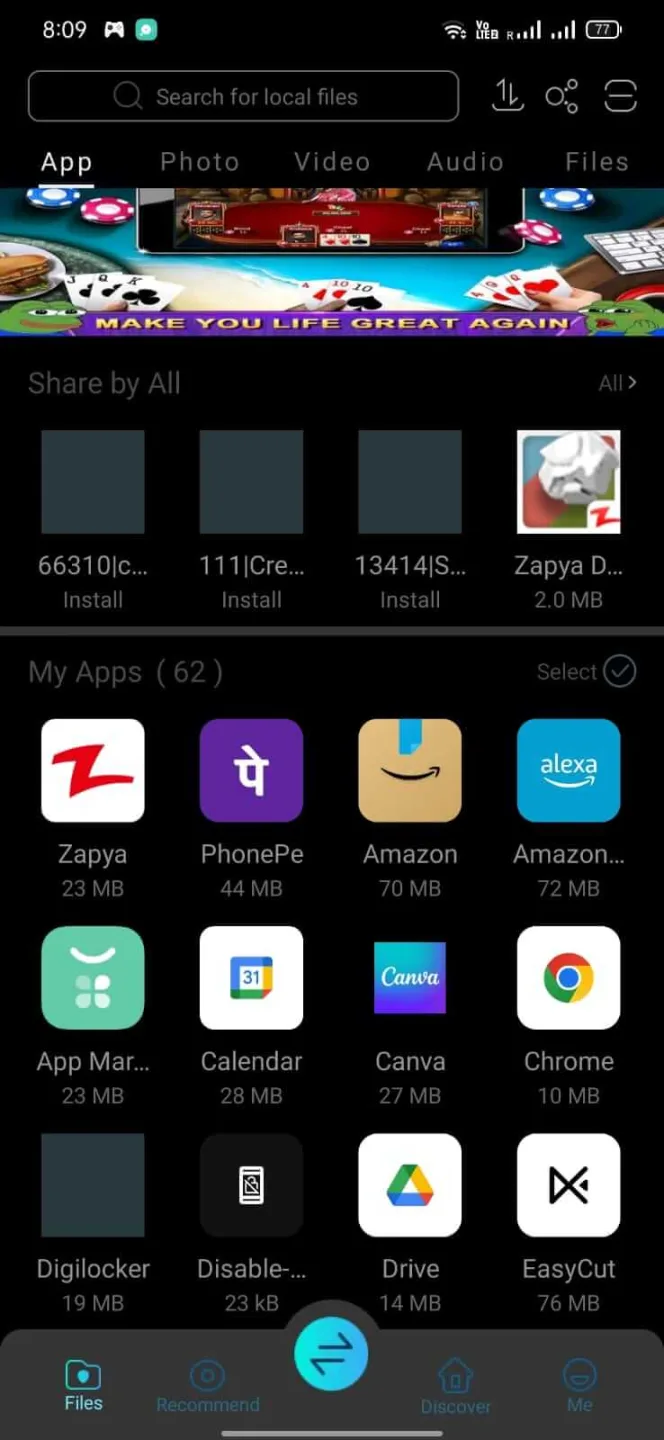
Features:
Wireless Transfer
You don’t have to connect both devices physically; pair the device using wireless methods. This app will let you connect your devices and transfer the files wirelessly.
Easy Connection
You can connect both devices within seconds, open the app, select receive on the first device, and send in the other.
Shake to Share
The sending process is fun because all you have to do is select the files and shake the phone a little. It will start transferring the files to your connected device.
Create Backup
You can create backups of your system and install apps. If you don’t have to apk package of any file, you can make the clone apk file from this app.
Fast Transfer
The estimated transfer speed is 100x more than the Bluetooth speed. You can transfer big files without worrying about bandwidth limits or low-speed issues.
Pros and Cons:
Pros
Simple and clean user interface
Fast and efficient wireless file transfers
Cross-platform compatibility
Unlimited file transfers
Integrated media player
Easy installation and connection
Cons
Limited to 5 members allowed in a user group
Requires both devices to be on the same network
FAQ:
Does Zapya consume mobile data?
No, Zapya operates using Wi-Fi Direct and does not require an internet connection or mobile data for file sharing.
What types of files can I share with Zapya?
Zapya supports the transfer of virtually any file type, including documents, photos, videos, music, and applications.
Is Zapya safe to use?
Zapya establishes a direct connection between devices, ensuring that files are transferred securely without passing through external servers. However, it’s always recommended to only share files with trusted individuals.
Conclusion:
So, that’s all about the Zapya App. The App helps you share files without being online for free. It features a user-friendly interface making it easy to use for everyone. Even first-time users can easily share files with this App. So, download the App and install it to enjoy its advanced features.