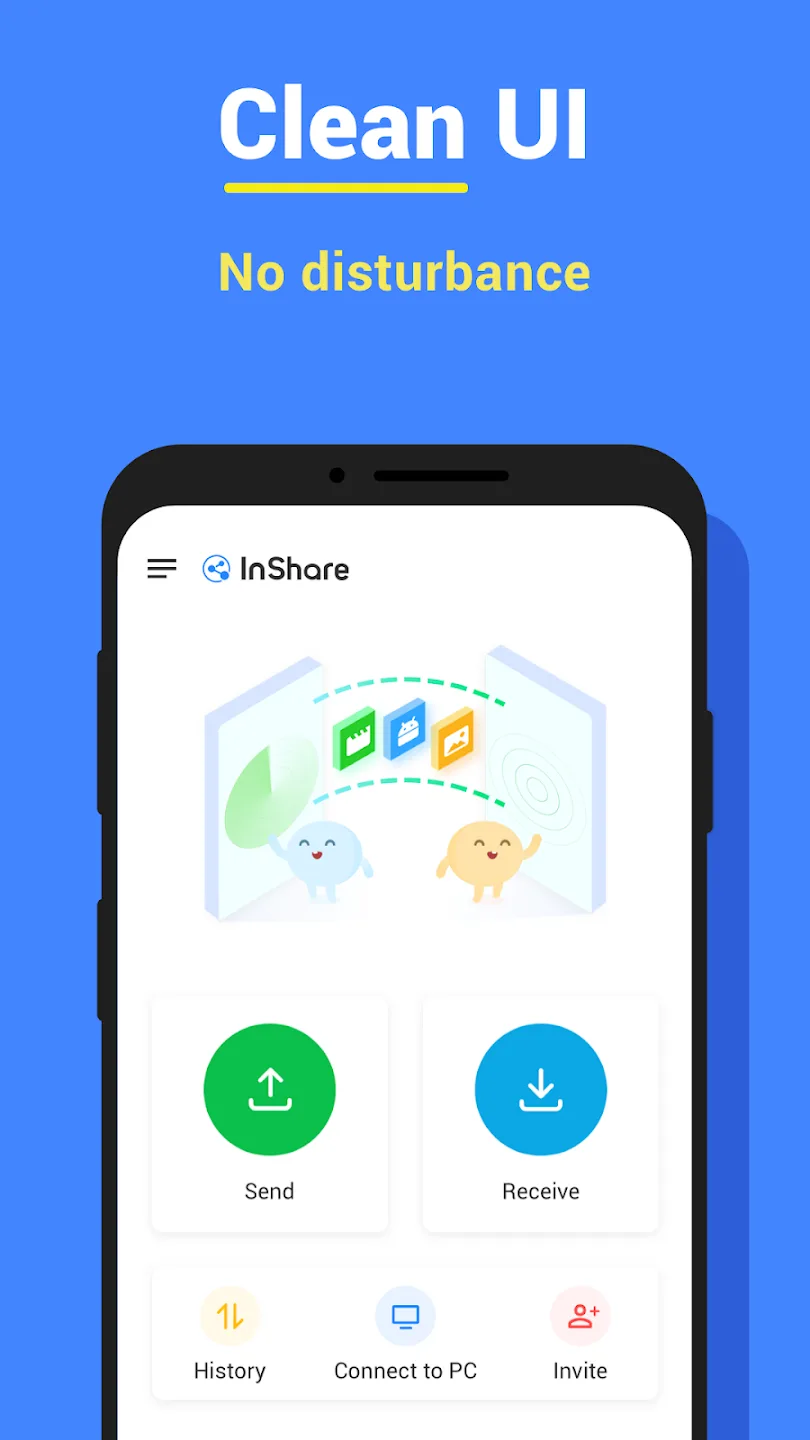
InShare is a simple file-sharing software that allows users to share large files in various formats, such as photos, videos, movies, software, and games. Simply select the desired file to quickly share or upload, meeting diverse user needs. The software includes a built-in cloning function to transfer all data from your old phone to your new phone. During the transfer process, the software also protects your data security and account privacy in real time, ensuring worry-free use. The software is constantly being updated, with more useful transfer tools and security technologies being added and optimized. Stay tuned!
Click to load YouTube / 点击加载视频
YouTube ↗Features of InShare:
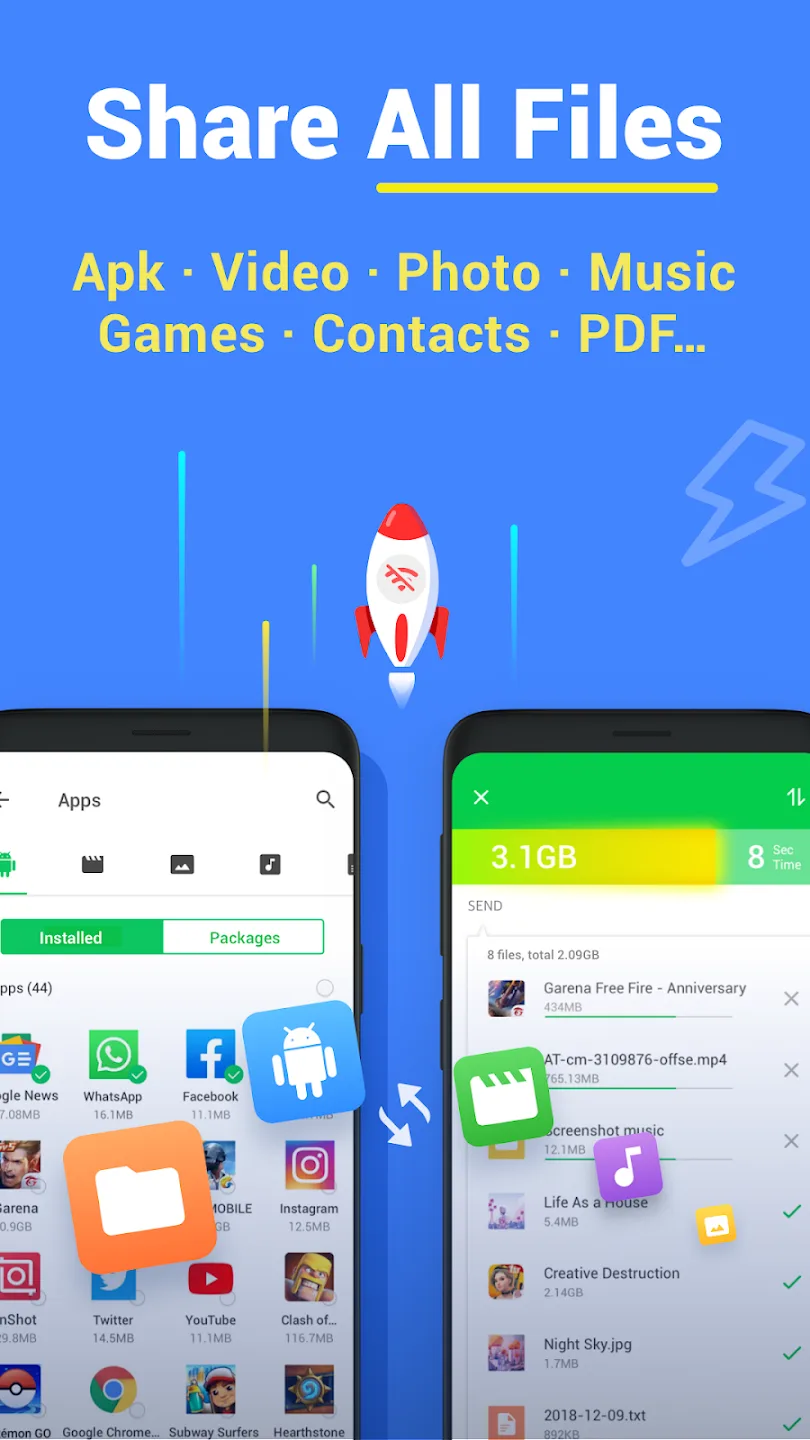
Lightning-Fast Transfers: Enjoy speeds up to 40Mb/s, making it 200 times faster than Bluetooth. Got a large file? Share a 1GB video in under 30 seconds!
Versatile File Support: Transfer all types of content: photos, videos, music, apps, and more — all at once with multiple file batch transfers.
Intuitive Sharing Options: Send files anytime, anywhere with Hotspot or Wi-Fi modes. Plus, Fast Mode taps into the 5GHz band for even quicker transfers.
Smart Replication: Move your data from an old phone to a new one effortlessly, from contacts to photos, without worrying about data loss.
Robust File Management: Find and sort files easily with the integrated file manager. Download directly received media to your device with ease.
Functions of InShare:
The application allows you to send files to friends or other devices quickly. You can only select a file to transfer or transfer, but this application is entirely different compared to other applications. You can select multiple files at once and start transferring them to another device. This does not interfere too much with the file and meets all the requirements set by the user.
The application always allows you to use extra processing features to transfer important files. The application wants you to be able to have the best experience and meet other exciting requirements. The ability to process files and transfer them in different formats is also included in InShare – File Sharing. You can also select large files as well as complex files.
Each file will have different requirements, and you will also need to know in order to meet all file submission requirements. The application always allows you to use the conversion feature to meet the requirements of sending files. The application always allows you to use the high-speed feature to send files as quickly as possible without taking up too much of your time. The application also always puts the communication mode on top and always ensures the file quality.
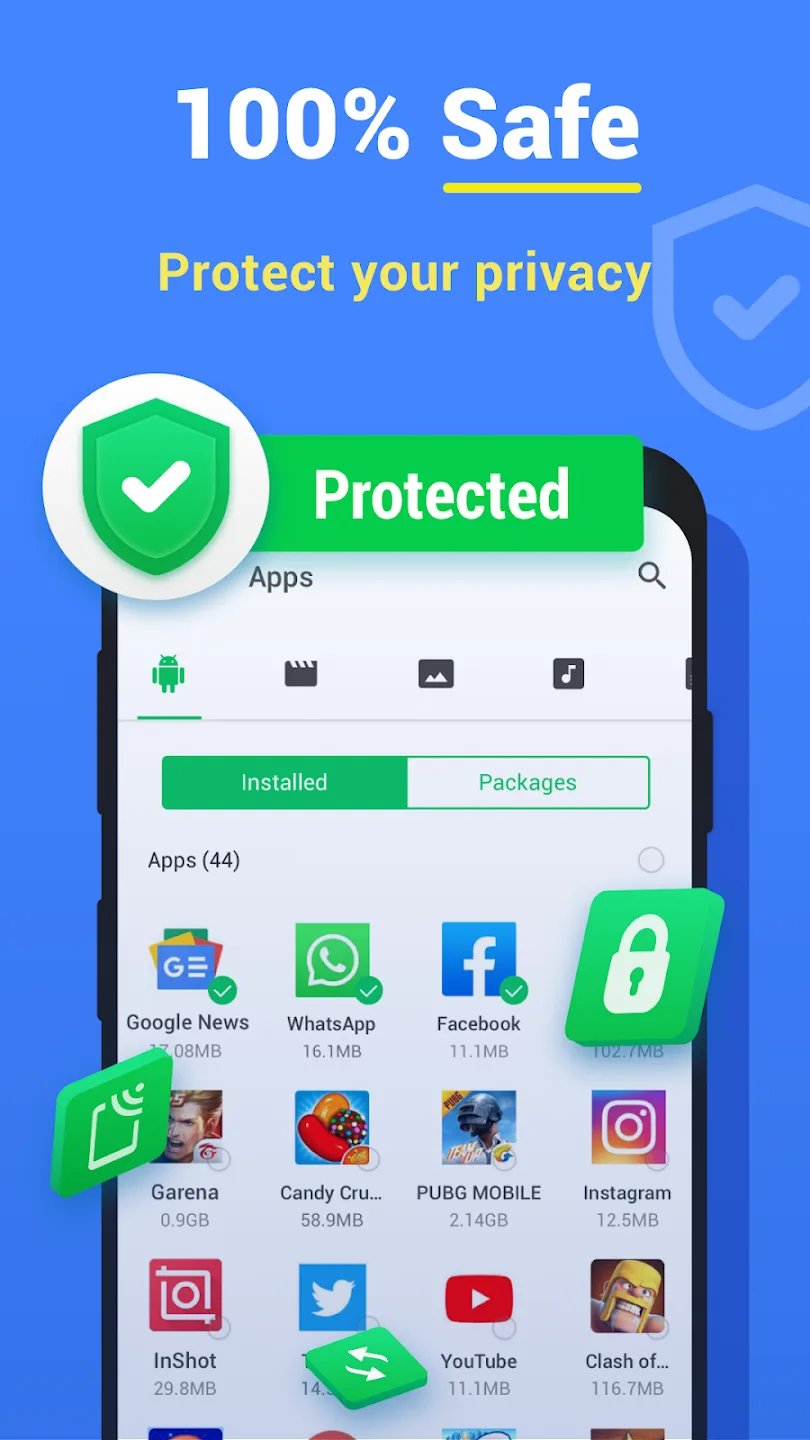
The application can quickly backup from an old device to a new device or from person to person. The application will also ensure security during the backup process to not lose important files. Empty files, the application will also notify you to confirm whether you have sent it or not. The capacity for file transfer is unlimited, and this is a feature that is appreciated in this application. The user will also allow you to download the file in the offline form, and the quality is also guaranteed.
User Reviews of InShare:
Great Great Great !!! just peak thing. From bottom of my heart it's just great App. It does his work greatly. Thanks to person whoever the Developed it. It's just great app. Once you learn how to use it, it's just great. No unnecessary ads, no glitches, just pure App that do his work effectively.
So this app is already better then expected probably gonna use rest of my Creator career It helps me transfer clips from my pc to phone So I can hear sounds and edit better THANK YOU so much for recommending this.
What works well? Speed and connectivity. Easy to use and extremely fast. What could be improved? Data sorting and selection before transfer. If there is a massive amount of photos to transfer, options to sort out or filter based on search key word within a specific folder and select would make life mega easy. If such an option is there it's not easily found. Also Ads are generally neatly placed and not annoying.
A super app for transferring pictures, videos fast to another phone / laptop. Been using it for the past 8 months and works seamlessly and effectively for transferring files from phone to laptop and vice versa. The speed of tranfer is just amazing. And very convenient and easy to use.
FAQs of InShare:
Does it charge data while transferring files to another device?
No. There won’t be any data charges applied while transferring. You don’t have to be worried.
Is there a limit to transfer files?
There’s no specific limit to transfer files to another device. You can send any amount of files at a lightning speed. Also, there are no data limits either.
Is there any file formats which cannot be sent through Inshare?
Any image/video format with high resolution such as jpg, png, bmp, Raw etc. can be transferred without compression or a decrease of quality. Besides, Any special file format such as IOS images, HTML Documents, Adobe files etc. can be transferred without any doubt.
Does the files we transfer, store somewhere?
Absoulutely Not. The Inshare App fully guarantees that the files you transfer, never store anywhere.
Does Inshare support for any device?
Inshare supports all platforms such as Android, IOS, Windows, MAC OS, Jio Phone, KaiOS etc. So you don’t have to worry about sending files to different devices. With the help of Inshare, you can now transfer any file to any device within seconds.
Final Thoughts:
InShare is a great way to transfer important files from your old smartphone to your new one. You can also use it to send files to friends and family without using WhatsApp or email. Use this app to avoid wasting your data on transferring big files, plus complete the entire process in less than a minute.