
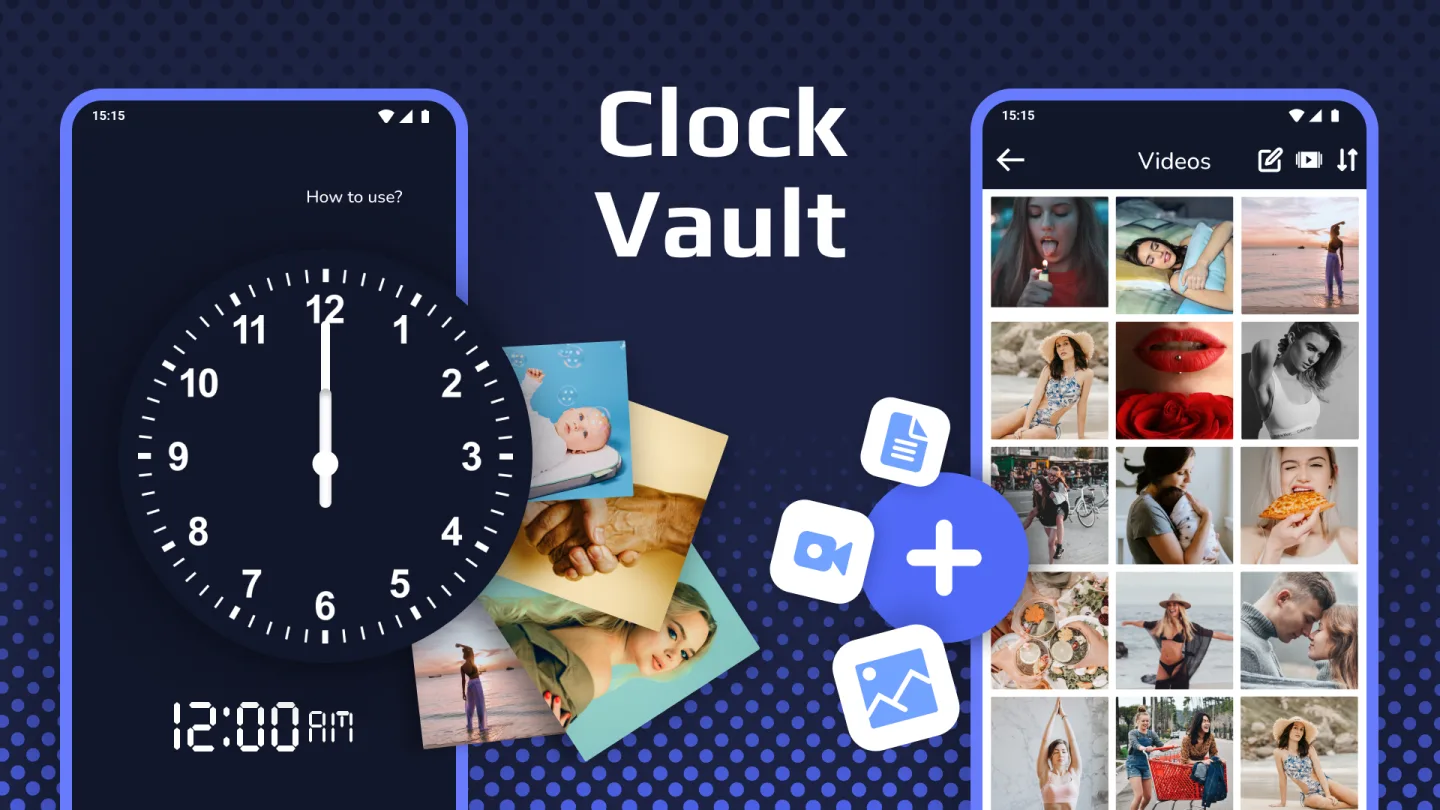
Clock Vault is a software developed by WS Infortech. As its name suggests, it acts like a vault where you can store everything on your phone that you want to keep confidential. It protects your photos, video library, and apps from prying eyes, taking your phone's security to the next level. Clock Vault also offers customizable protection measures, allowing you to fully safeguard your privacy to your liking, making it difficult for anyone to detect.
Click to load YouTube / 点击加载视频
YouTube ↗Function:
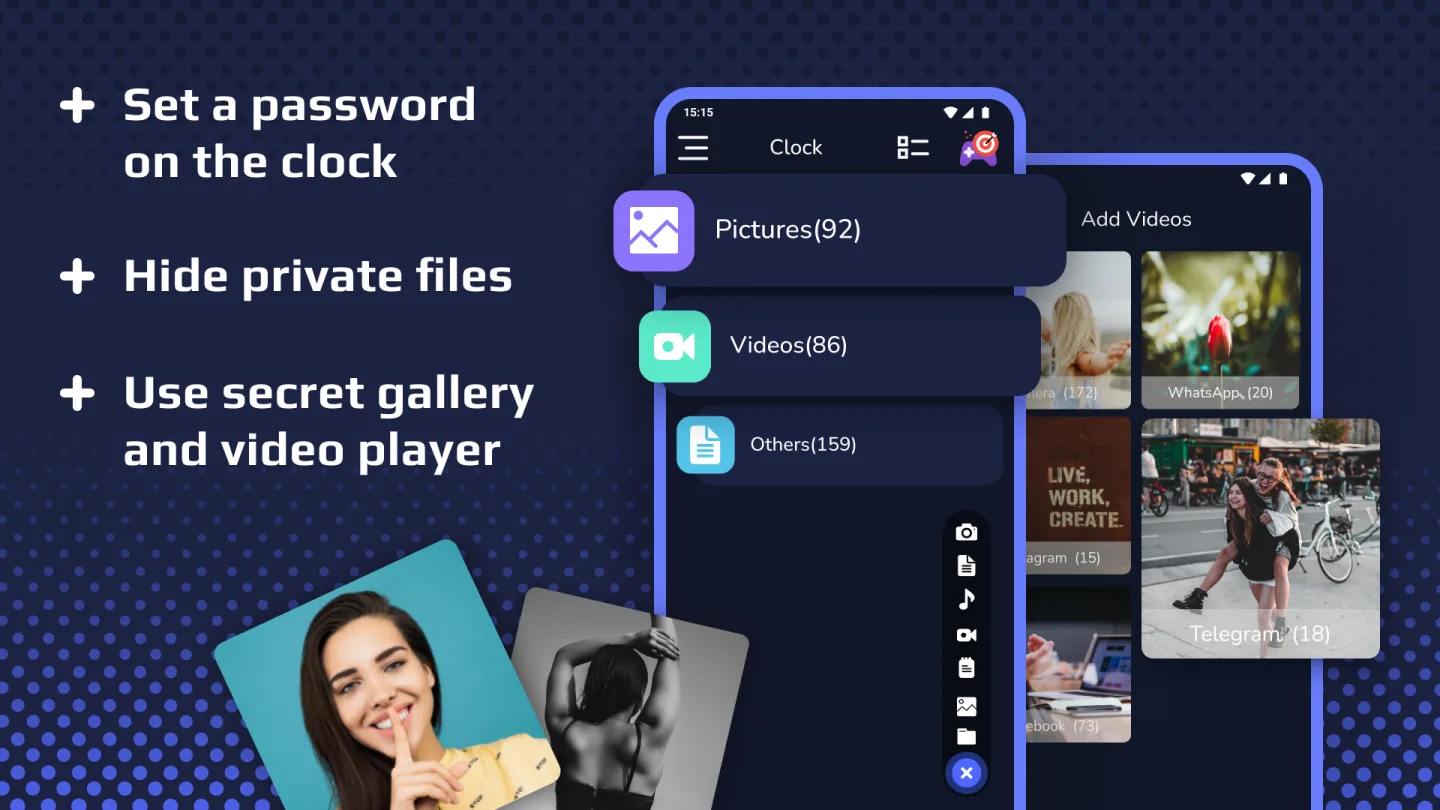
Hide Pictures: Easily hide pictures, photos from your gallery to the secret vault or private vault with gallery lock, gallery clock vault, clock lock app.
Hide Videos: Easily hide your private media file from gallery to secret vault with Clock Timer Vault, Gallery Vault.
Hide Documents: Easily hide or keep safe your private document file like word,PDF,text or any from file manager to our vault, vault lock with File Locker, File Hider.
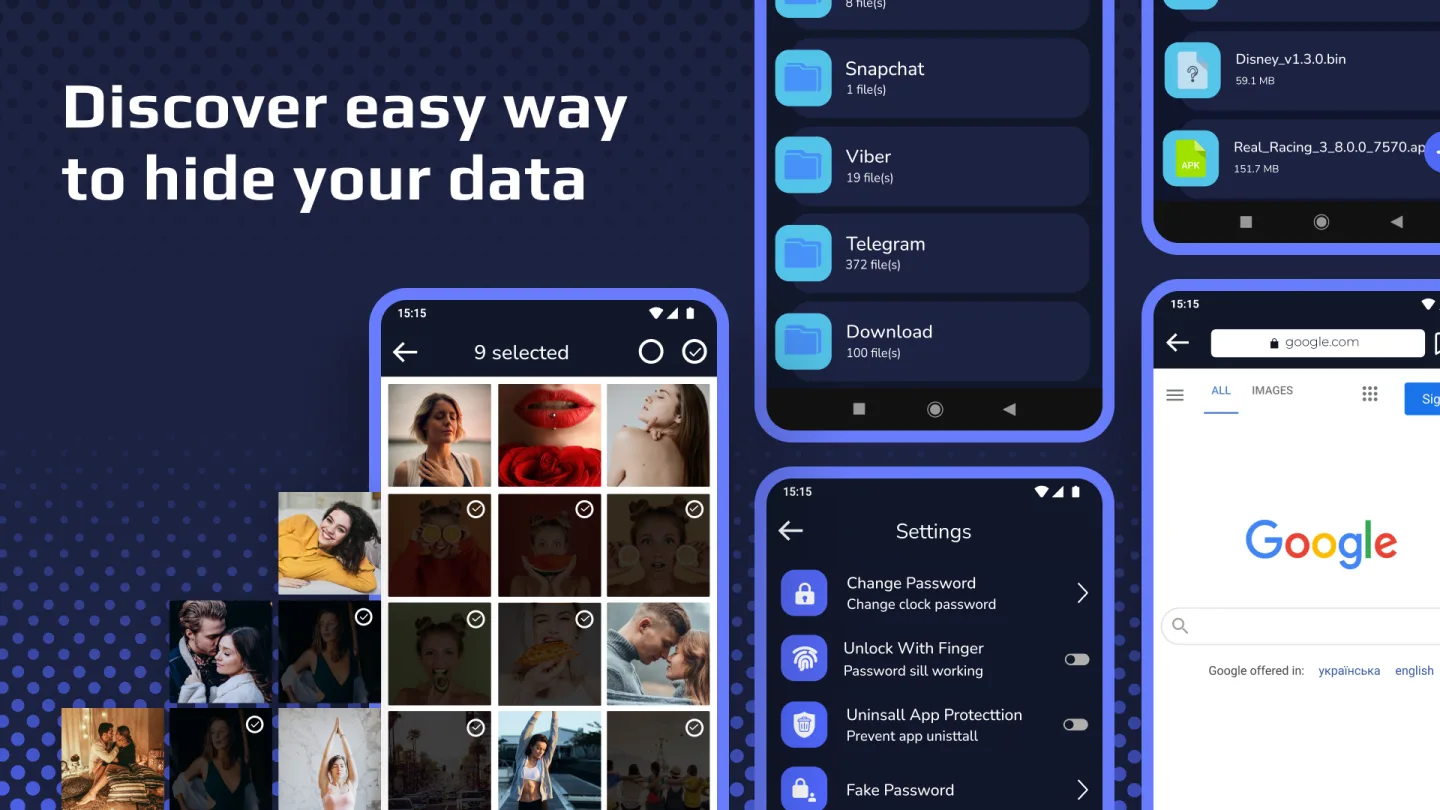
Fingerprint Protection: You can use your fingerprint to Unlock your clock app lock.
Launcher Icon Change: Make your gallery lock, photo hide app icon even more secret with other icons like Whether, Music, Calculator, etc.
Break-in Alert: Capture a snapshot of any intruders who tries to unlock apps behind you. You can also See & save the snooper photo from inside Clock Voult App.
Video Player: Super Inbuilt Video player to watch videos inside video hider and locker, Video Hider App.
Beautiful Design: Smooth and elegant user experience with photo hide app.
Easy to Use: Photo Hide App have easy file management system. (Edit, Move, Rename, Create Folders etc). Direct Hide files from gallery by share option. Share to Vault from your gallery to Instant hide multiple photos and videos by photo hide, video hide apps.
Better Security: Clock vault gives best security to your personal secret data and has beautiful, smooth and elegant user experience. Also App Disappears from most recent apps list.
Highlights:
A standout capability of the game is a stealthy operation; the icon can be disguised as something unthreatening, like a weather or calculator icon. In case of unauthorized access attempts, it automatically snaps pictures of the intruder. The Decoy Vault feature creates a second, fake vault, protecting the real vault even under duress.
Moreover, the application includes a private browser for secure internet usage and a built-in video player that supports various file formats. Custom themes for the applock screen add a touch of aesthetics, allowing a personal image to serve as the applock background.
Pros and Cons:
Pros
Unique gallery vault implementation
Easy to use and highly customizable
Dummy vaults
Built-in private browser
Cons
Some users unable to access their vaults
Conclusion:
Clock Vault is one of the best secret clock vaults for hiding, protecting, and securing everything on your phone: a secret photo and video locker. Easily hide and add another level of bank-grade protection to your private and secure data, pictures, and videos on your phone.