
Fake GPS Location is a free and useful tool. This application boasts high-precision GPS functionality, allowing users to set coordinates anywhere in the world for use with various online applications and services. With Fake GPS Location, users can easily fool various location software with just a few taps, creating a preset location coordinate system. Furthermore, the application offers various features, and even if you uninstall the software, your device's location will remain locked at the last simulated location, as the system retains the simulated location information.
Highlights:
Advanced concealment AI to help users conceal their true location with a fake random spot or selected routines for extra private time and spaces.
Design new routes or locations with the joystick for extra accuracy or more natural routes to avoid detecting concealment while stationary.
A comprehensive auto-update function to help users get new map data for faking locations without any suspicious actions disrupted along the way.
Add various fixed locations and let the AI drive your decoy automatically with the selected transport mode for natural concealment.
Extensive customization to satisfy users’ needs and objectives in concealing their real locations with advanced security while being monitored.
Three Modes:
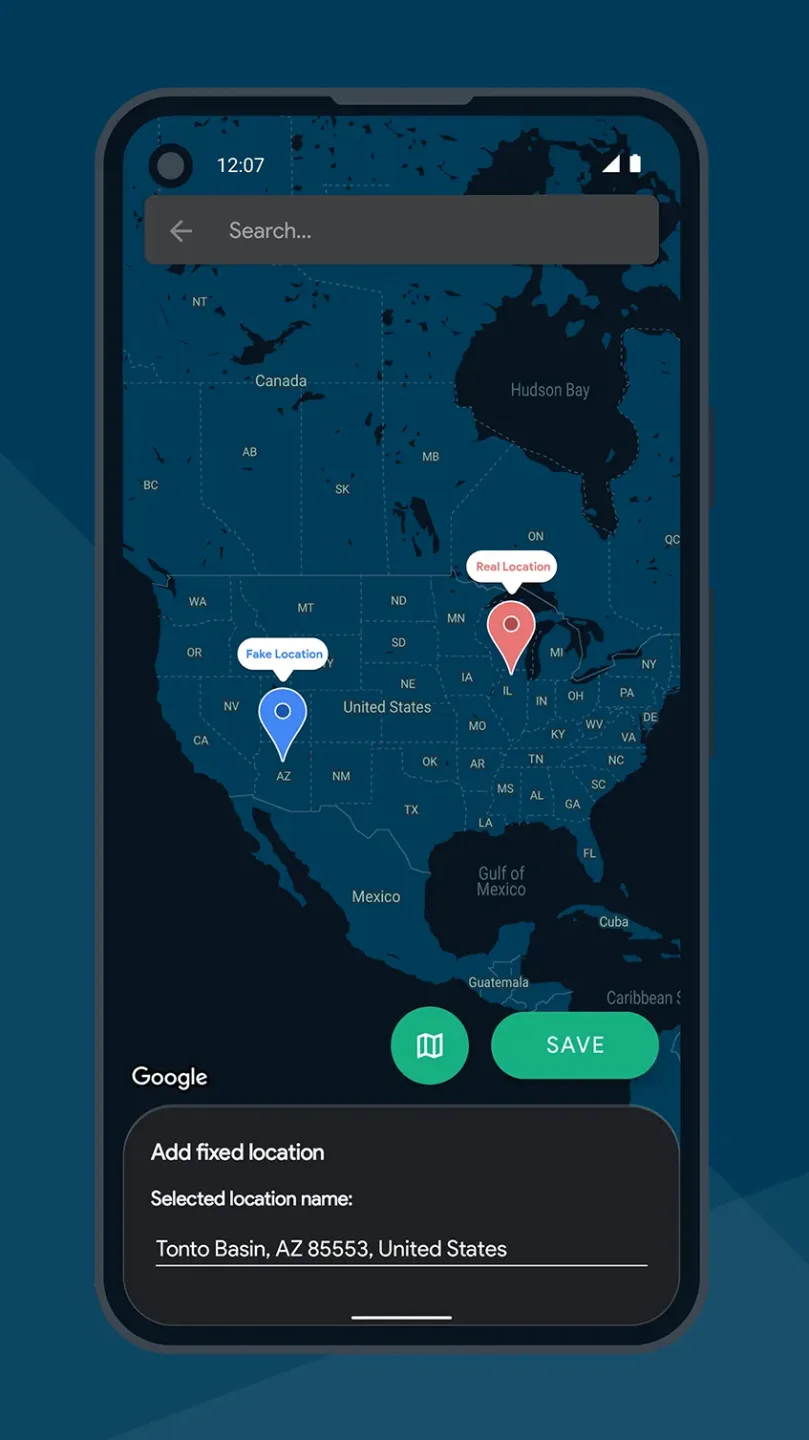
Fixed mode (free): it changes the location of the device to a fake fixed coordinate. It simulates staying somewhere and not moving. You can use fixed mode to spoof your real location and pretend you are somewhere else. You can use this mode in any app that uses your fixed location.
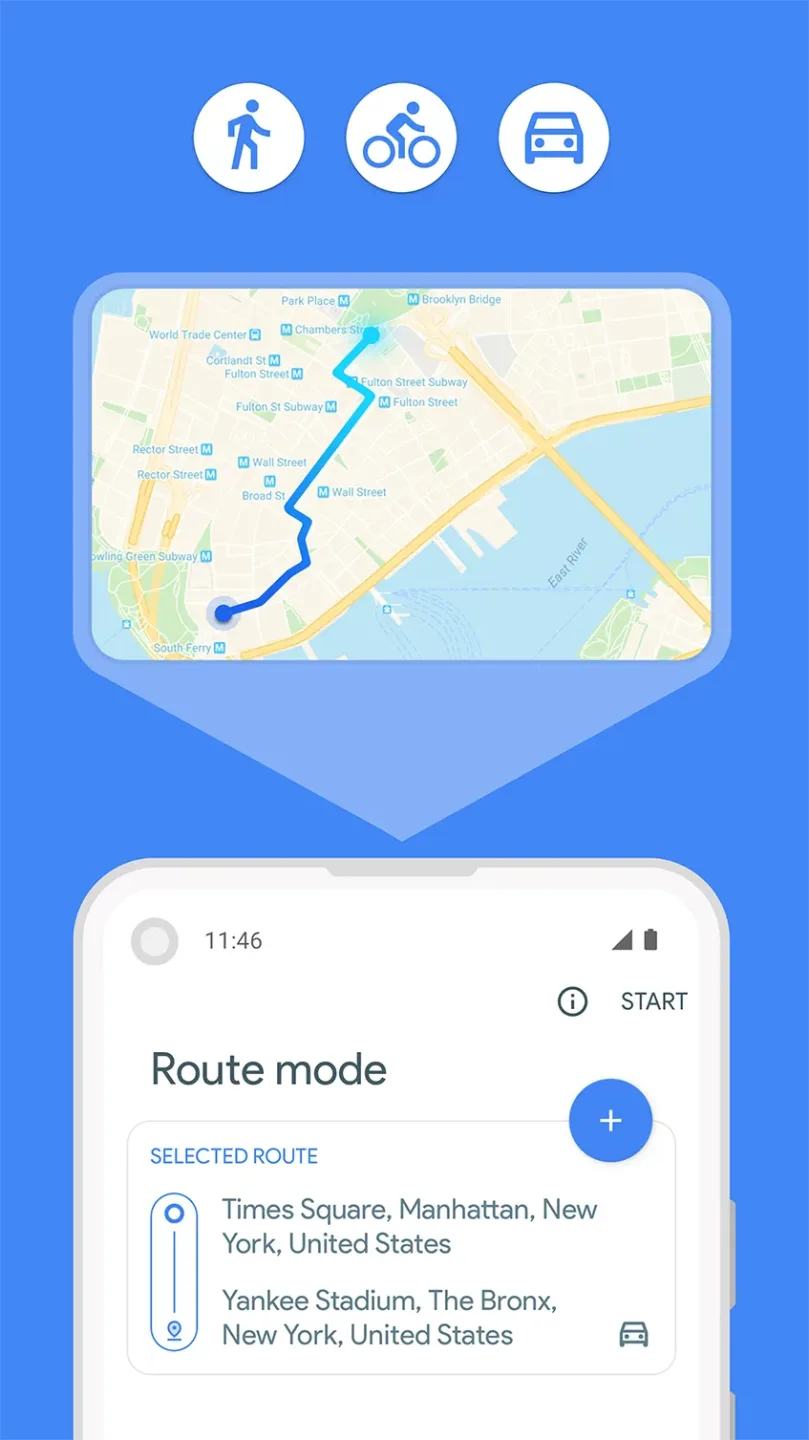
Route Mode (premium): it changes the location of the device to a predetermined route. It can simulate walking, cycling, and driving from a starting point to a destination with different speeds and paths based on the selected direction type. This mode can be used in any route-based or tracking apps.
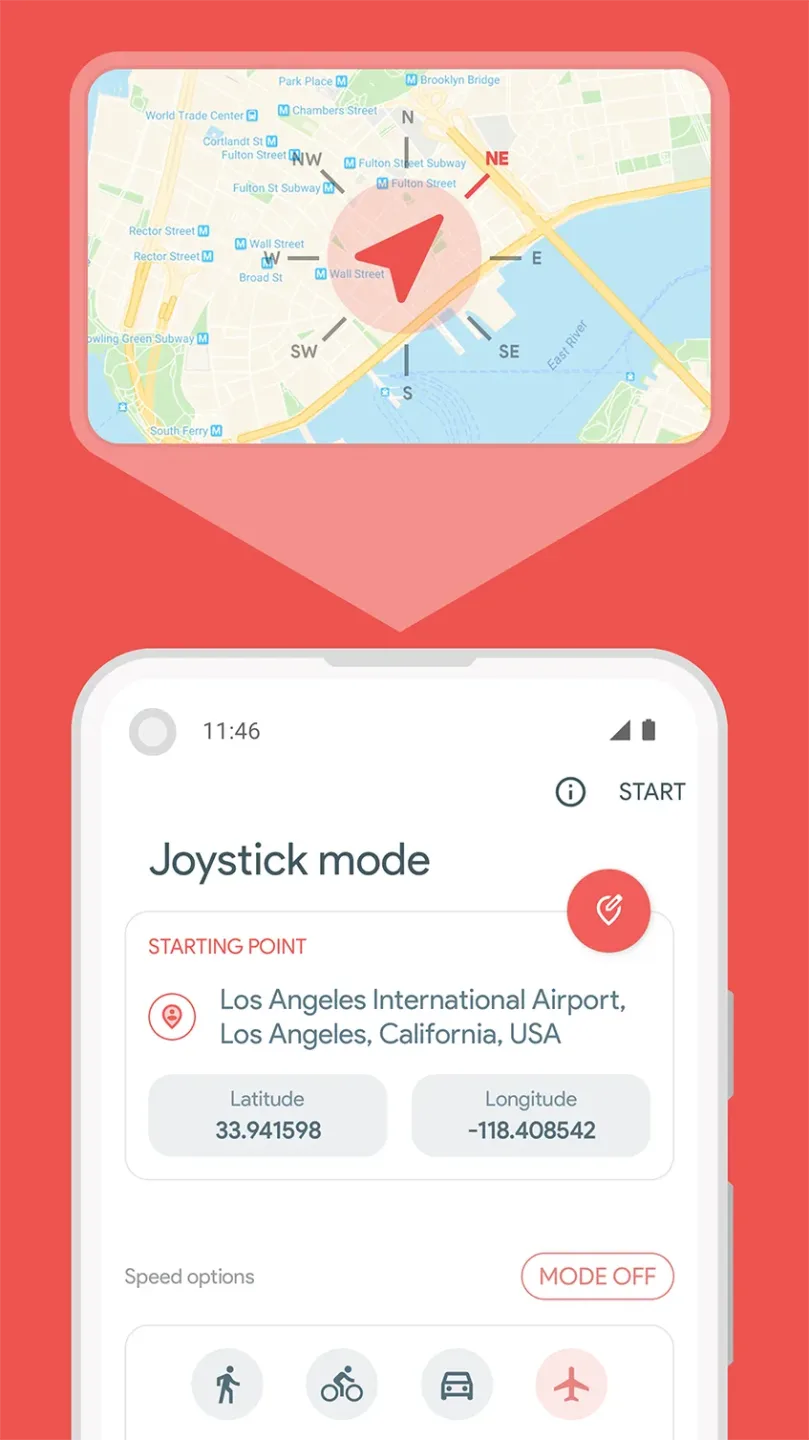
Joystick Mode (premium): it is the most advanced mode in location spoofing. It supports walking, cycling, driving, and flying speed types. You can go anywhere, in any direction, and control your movement with a joystick on the device screen. This mode can be used in any kind of apps, especially location-based games.
Features:
Change GPS location: Easily change your GPS location to any selected location, allowing you to bypass geo-restrictions on various apps.
Joystick control: Change your location immediately with a user-friendly joystick control, providing an immersive and interactive experience.
Enter latitude/longitude: Have precise control over your location settings by entering latitude and longitude coordinates directly.
Set points on the map: Create a route and simulate movement in a specific direction by setting points on the map.
Mock locations for ROOTED devices: For ROOTED devices, mock locations without enabling the "Allow mock locations" option, ensuring seamless manipulation of your geographical location.
Developer Mode: Activate developer mode to access advanced features and controls, enhancing your experience with the app.
Pros & Cons:
Pros
Easy to use
ISP spoofing
Automation options
Cons
Persistent bug that breaks GPS functionality
Conclusion:
As users engage with Fake GPS Location, they gain a deeper understanding of how GPS technology operates and the implications of location data in their daily lives. The app serves as a bridge between technology and user experience, facilitating a greater awareness of digital privacy and the nuances of location-based interactions. By utilizing this application, individuals can take control of their GPS settings and explore a world of possibilities right from their smartphones.