DU Recorder is an outstanding screen recording video tool. The latest version is watermark-free, allowing you to easily record and export high-quality, ultra-HD media files and share them on any social media platform to gain more followers. DU Recorder offers useful features such as screen capture, recording editing, live streaming, and GIF creation. Its user-friendly interface makes it easy to learn and use, requiring no prior technical knowledge. Try DU Recorder today – this lightweight, powerful recording tool is your best choice!
Click to load YouTube / 点击加载视频
YouTube ↗What is DU Recorder Apk
DU Recorder Apk is a tool to let you record your screen, take screenshots, and edit videos with unique options. You can have stable screen recording with live broadcast services to share your live screen on Twitch or YouTube. In the video editing tool, you can trim videos, add background music, and apply creative filters. This app supports the floating screen assistant that helps you pause or resume the recording in multiple shots.
You don’t have to pay any bucks for the services, as the developers share these benefits for free. DU Recorder App is available on the Play Store, and you can also download the app from here. Keep updating the app regularly to get new features and stickers that you can use to improve your editing skills. The share screen option lets you go live on YouTube and share your screen online.
What are the uses of DU Recorder
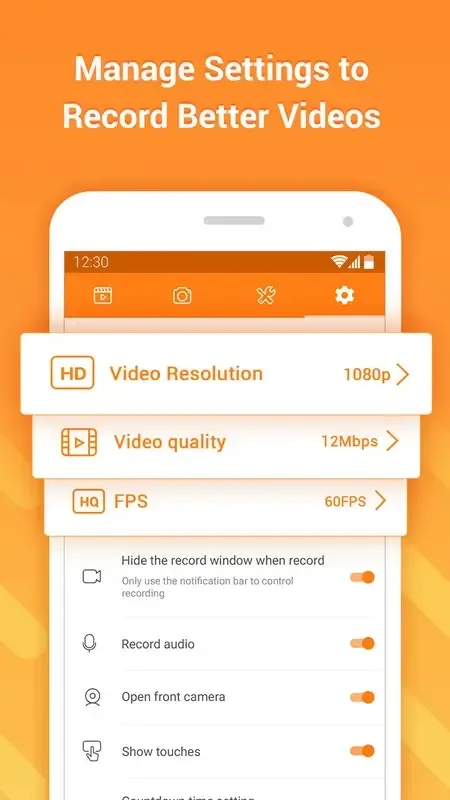
As mentioned earlier, the DU Recorder app has a wide range of uses. However, its primary purpose is to provide users with a simple and intuitive screen recording tool. The app allows you to select video resolution, bitrate, and frame rate. It also offers one-click pause and recording functions, and supports high-definition recording.
Another unique feature of this app is its ability to use the front camera and record external video. With this feature, you can record makeup tutorials, live performances, music videos, and more. This free screen recorder can also be used to record video calls, gameplays, user experiences, and other activities.
What editing tools does DU Recorder include
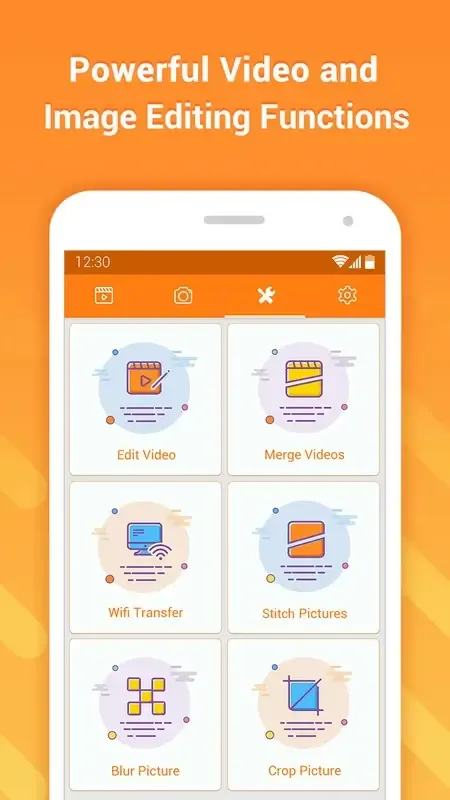
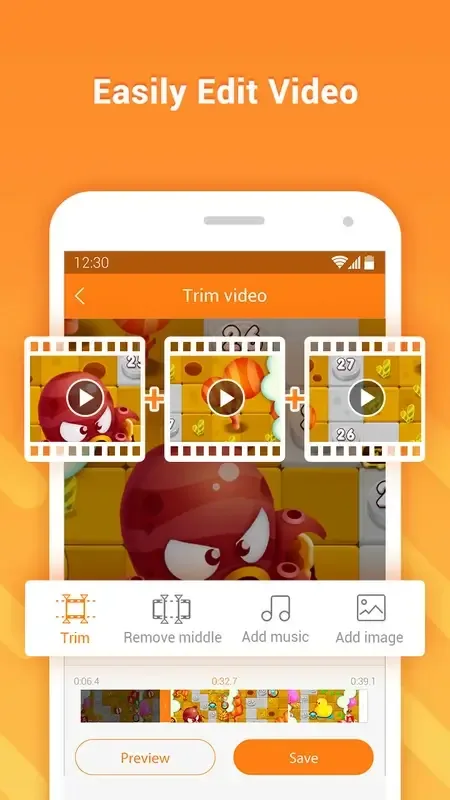
One of the advantages of downloading the DU Recorder APK on your smartphone is that you can access a suite of editing tools to create high-quality videos. With it, you can trim any part of your recording, merge multiple clips, rotate or crop videos, and adjust the overall speed. The app also allows you to convert videos to GIF format.
The DU screen recorder download isn't limited to basic editing tools. The app also includes options to add background music to your recorded clips and adjust the overall volume. If you want to add subtitles to your tutorials, you can also do so using the screen recorder and editor. Once finished, the app will automatically save the video in your chosen file format.
Features of DU Recorder Apk
Stable Screen Recording
You can record your system apps and screen with this app; it offers you stable screen recording options, live editing, and filters you can apply while the recording is ongoing.
Easy Video Editor
It’s a helpful tool to let you edit videos, and it has trim options, dozen filters, texts & stickers, and much more. You can upload the gallery files in this tool or use the live editor to add overlays while recording.
Live Broadcast Videos
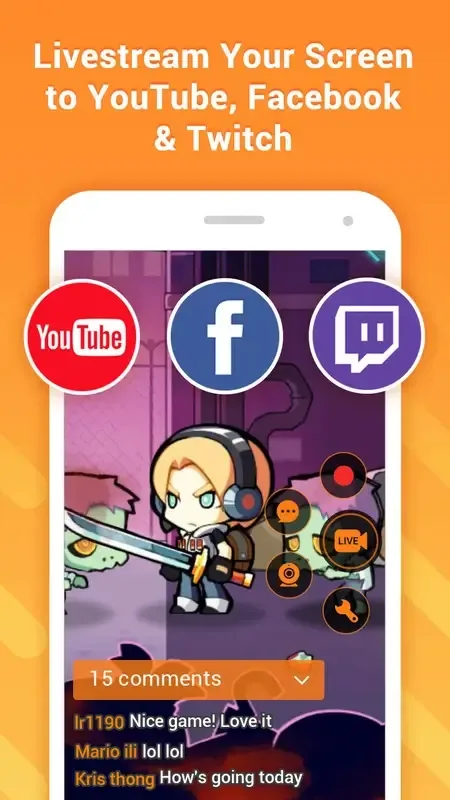
You can go live with this app on various platforms, and it offers direct streaming access on YouTube and Twitch. You can broadcast your live videos to your audience from your android smartphone.
Take Screenshots
If you want to take screenshots of any app that doesn’t allow capturing the screenshots, DU Recorder can help you with that. It can easily record the screen or take screenshots without delivering blank snaps.
Support HD Quality
It supports HD quality recording, and you can customize the quality preferences according to your needs. It can go up to 1080p quality, record in 4K, and customize screen size and ratio.
Final Words
In the end, DU Recorder Apk is a free tool; you don’t have to burn any bucks for the services. If you have any doubts about the installation process or how the screen recording works, then drop your queries into the below comments box. We will be glad to hear from you and try to assist you in short.