Splayer is a powerful video playback software that allows users to watch the latest and hottest TV series, movies, and documentaries from around the world and download their favorites to their device at any time, providing the best user experience. It also automatically skips ads and pop-ups during viewing, and adjusts the barrage, brightness, and playback speed to your preferences, ensuring the most comfortable viewing experience. Users can download this software from this site.
Click to load YouTube / 点击加载视频
YouTube ↗Features:
4K Video Support: When using this video player, you don't have to worry about whether the video you're watching is in 4K or not. Splayer will play it without any lag or buffering.
HDR Video Support: This video player also supports HDR videos. If you have a phone with an HDR display, you can watch HDR videos in all their glory.
Simple UI/UX: Playing your video doesn't have to be a complicated process. Splayer has a straightforward UI that anyone can use. The controls are super responsive, and you won't have trouble playing or pausing your video.
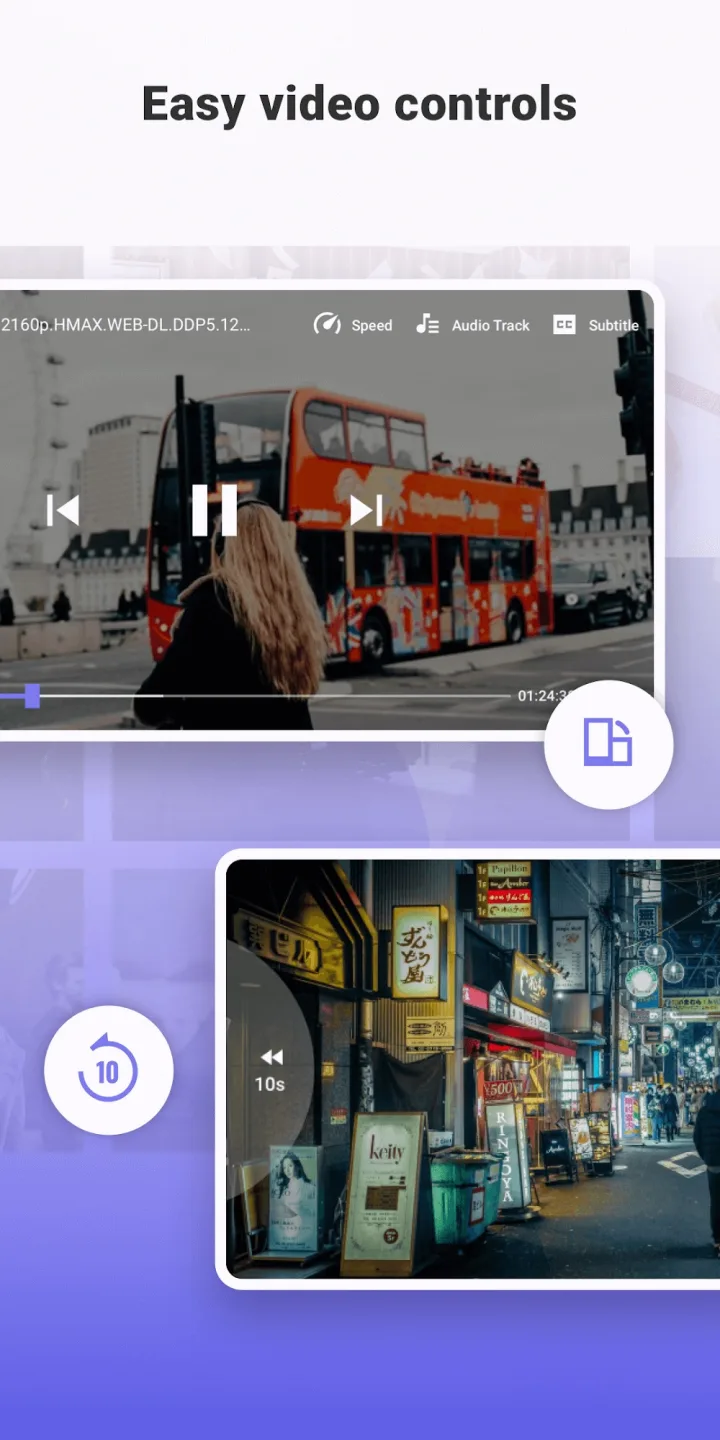
Easy Video Controls: This application allows you to change default video controls to match your preferences. You can change the position of the playback control buttons, increase/decrease brightness, and change subtitles.
Simple Graphics: This app is optimized for use with almost all Android devices. It doesn't matter if you have a high-end phone or a budget device, Splayer will run smoothly on your device.
Superior Sound Systems: The epitome of any video player is its sound system. Splayer uses the most advanced sound systems to provide an immersive audio experience.
Highlights:
Casting: If you want to play and watch your videos in a larger screen, you can do so easily by casting it to Chromecast. This feature allows for a seamless casting experience. With just a tap of a few buttons, you’re able to watch movies on the bigger screen easily with your friends and family. No need to transfer files and go through any hassles.
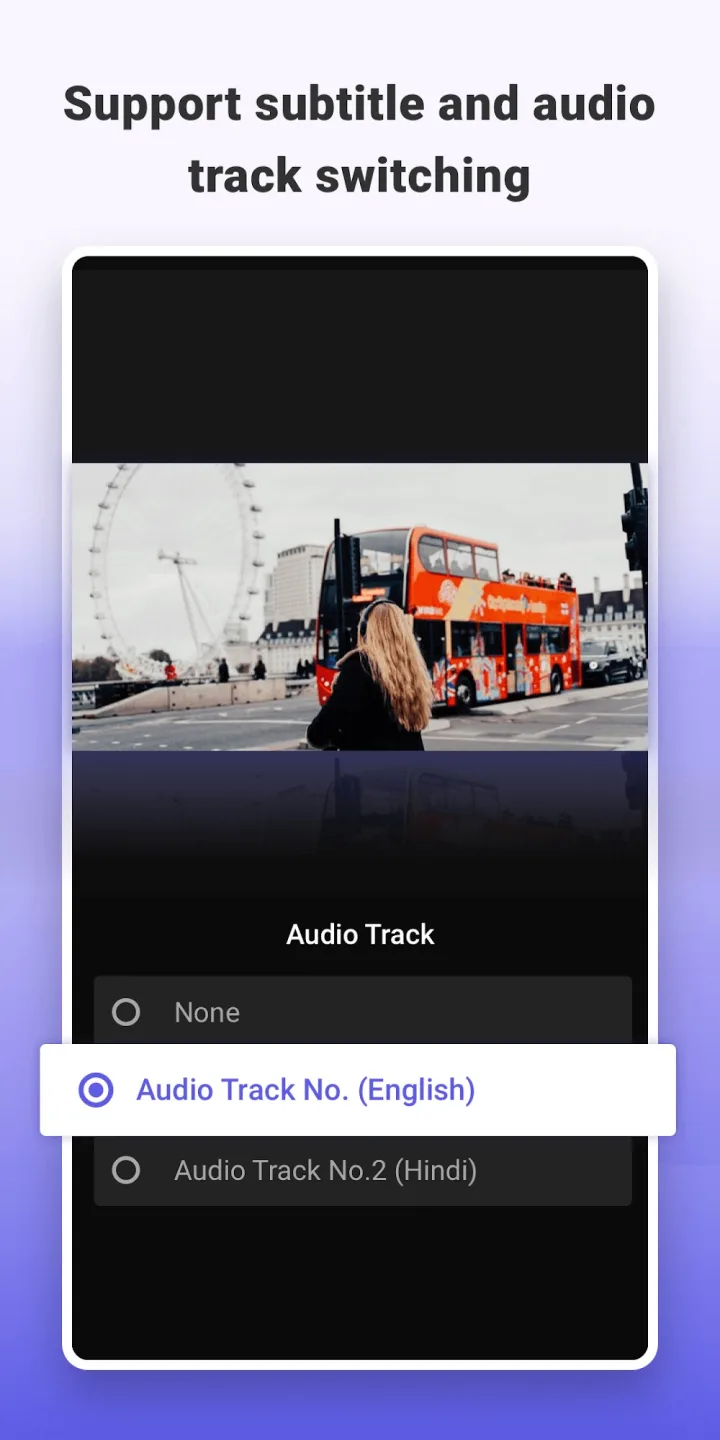
Subtitles: You can also play any video with subtitles so you can understand them easily. SPlayer supports most subtitle formats such as DVD, SubStation, Subrip, MicroDVD, VobSub, SubViewer2.0, WebVTT and more. Furthermore, you can adjust and change the subtitle appearance, speed and the location of it in the settings easily. This makes your viewing experience significantly easier!
Picture in picture mode: There’s something called picture in picture mode which lets you do other tasks while watching videos. This is most useful when you’re trying to search while watching videos. This feature isn’t present in most video player apps so this is a great thing to have.
Player gestures: There are also player gestures designed to be operated with just a few simple gestures. You can pinch the screen to zoom in and out then fast forward and move backwards. The app is very intuitive and simple for everyone to use!
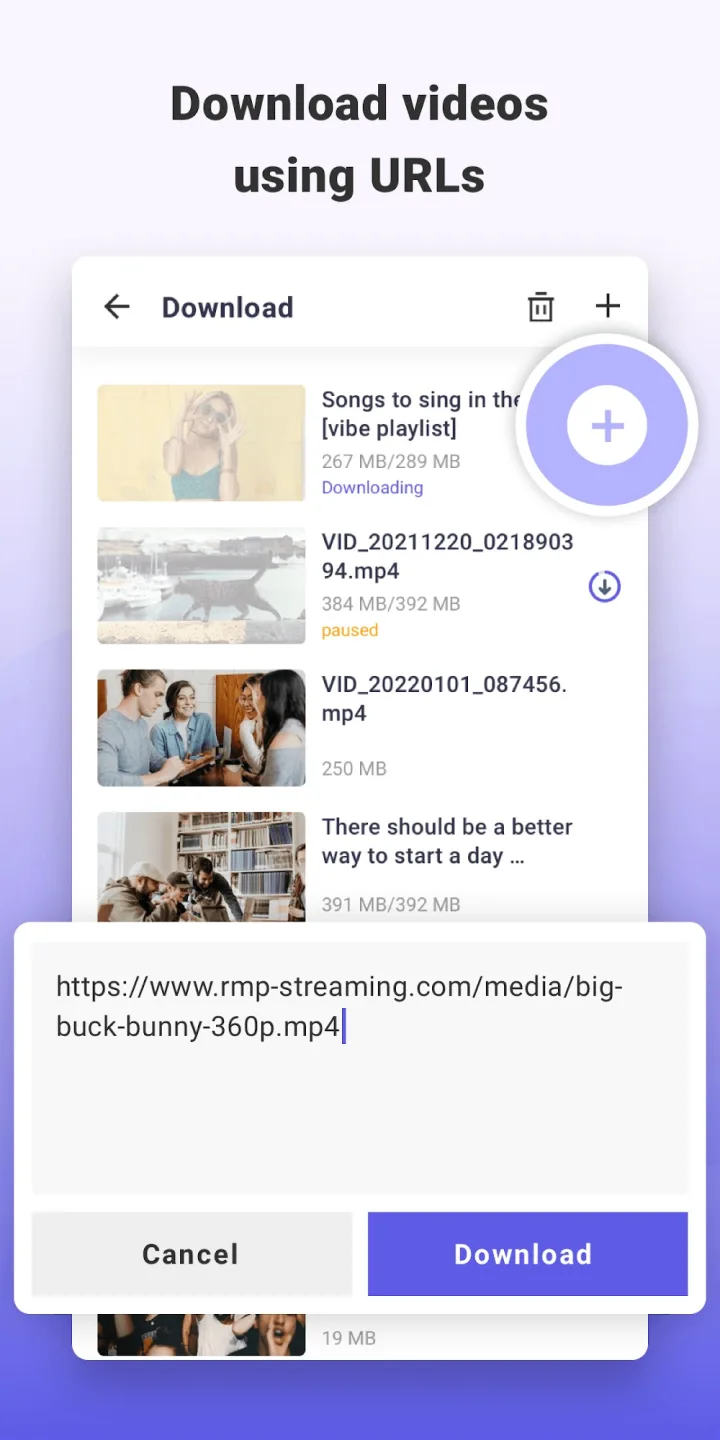
Live torrent streaming: You can also stream the torrent directly and watch without having to download it. You can also Seek on video during torrent streaming so you can fast forward it. Aside from that, you have unlimited download speed and you can select certain files to be downloaded in a torrent.
Functions:
Speedy Performance: First things first, speed is king when it comes to media players. With Splayer, say goodbye to those annoying loading times. This app uses advanced technology that makes sure your videos start playing instantly without making you wait even a second longer than necessary.
User-friendly Interface: No one likes complicated menus or buttons they can’t figure out how to use! That’s where Splayer shines with its clean design and easy-to-navigate interface. Whether you’re young or old, tech-savvy or not – using this app is as simple as pie.
Supports Various Formats: Have you ever tried playing a video only to discover that your player doesn’t support the format? Frustrating, isn’t it?! But guess what – with Splayer in hand (literally), compatibility issues are history! It helps many file formats, ensuring every type of video works perfectly.
Subtitle Support: If subtitles are essential for enjoying movies from around the world, don’t worry because, yes – Slayer has got them covered, too!
If customization matters (because who wants boring default settings?), customize away!! Change themes, adjust brightness/contrast levels, etc., making the experience yours.
High-Quality Playback: We all love crystal-clear images and crisp audio when we watch our favourite shows or clips online – no pixelated scenes allowed here! Thanks again to the magic behind SPlayer, which guarantees top-notch playback quality, keeping everything sharp and clear.
FAQs:
Q: Is SPlayer free to use?
A: Yes, SPlayer is entirely free to download and use.
Q: Does SPlayer support Chromecast?
A: SPlayer supports Chromecast, allowing you to stream your videos to a larger screen easily.
Q: Can I customize the appearance of SPlayer?
A: SPlayer allows you to customize the player's appearance by choosing from various themes and colors.
Final words:
If you are looking for a convenient video sharing and connection browser, you should not ignore Splayer Mod APK. This is a completely new platform that allows you to connect and share videos globally as long as you have a smart device that is connected to the Internet locally. You can completely share your data and images with your friends and relatives, this is an information channel that is trusted by many countries around the world for its effectiveness and utility.