
Excel Spreadsheet is a visually appealing and practical spreadsheet office software. Download the latest Android version for free and instantly access this powerful and easy-to-use spreadsheet tool. Excel Spreadsheet presents users with a clean interface and outstanding performance, allowing for smooth and effortless spreadsheet editing, as well as powerful collaboration features. Use Excel Spreadsheet now to meet your flexible spreadsheet editing needs!
Exclusive Functions
Create Spreadsheets
You can create Excel spreadsheets with column names and corresponding input types of your choice.
Simplified Input Interface
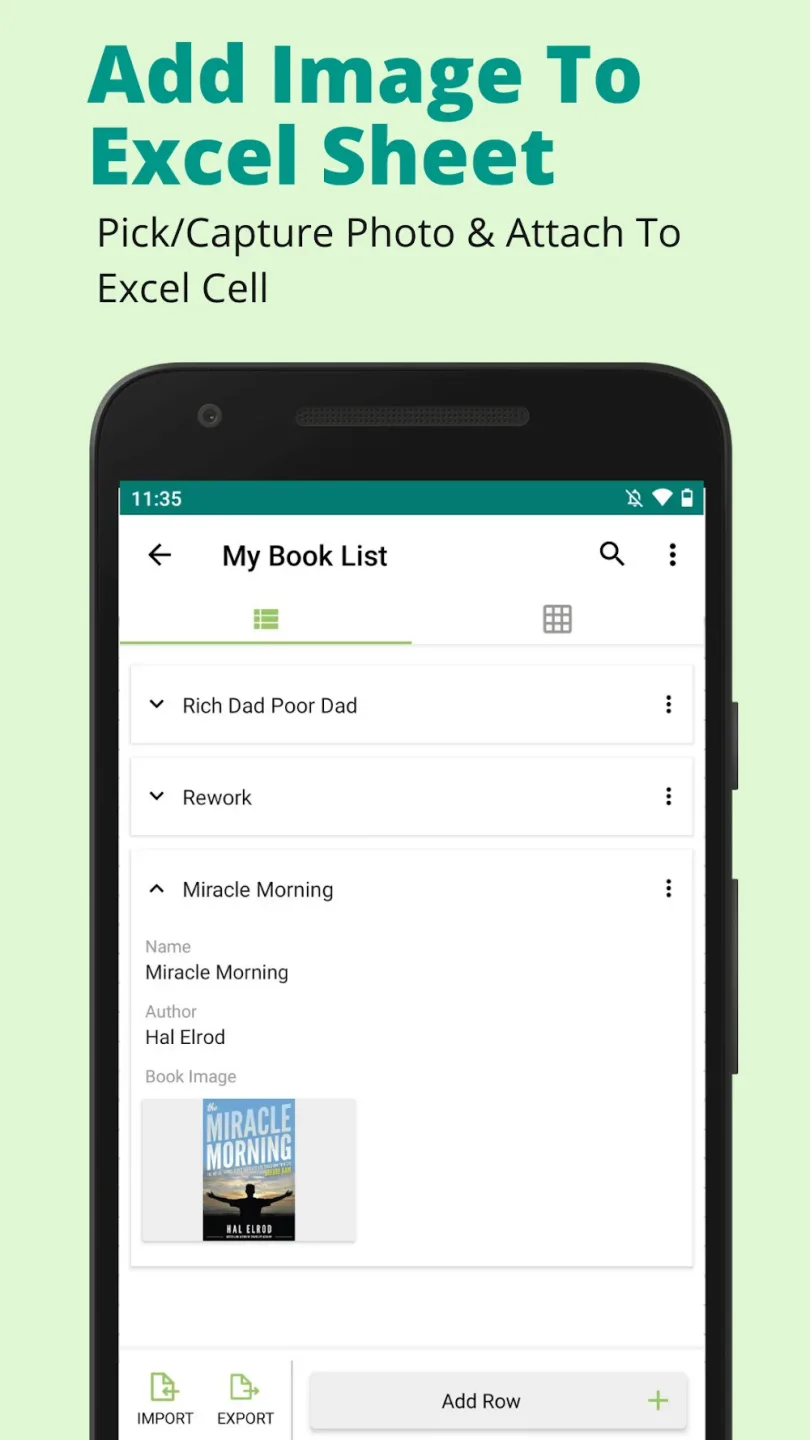
You can add/update entries to your spreadsheet using a simplified form based on the columns and input types of each row (such as barcodes, text, numbers, dates, drop-down lists, etc.).
Search Entries in Excel Spreadsheets
Use the search function to search for your entries in a table with added rows and columns.
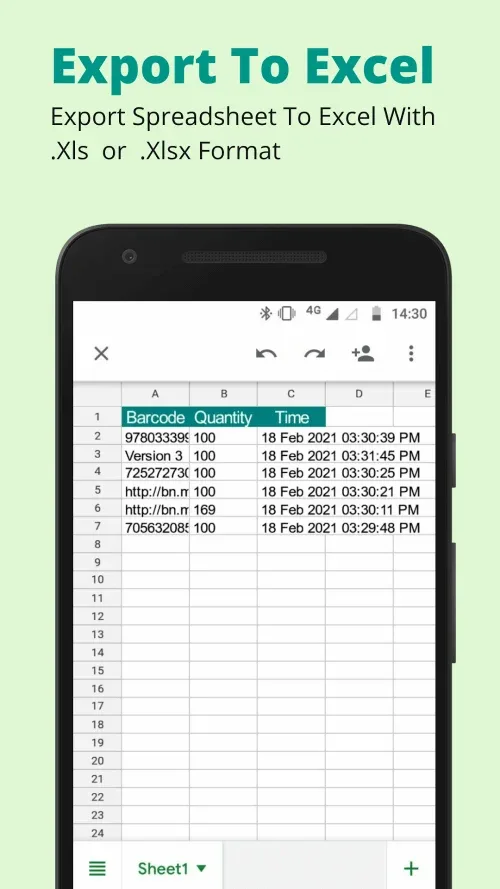
Export as xls or xlsx and Share Spreadsheets
Export your Excel spreadsheets anytime and share them with others.
Awesome Benefits
Collaborating with others using spreadsheets is incredibly easy because they can be exported as XLS or XLSX files.
This app allows users to create spreadsheets and export them as XLS or XLSX files. These spreadsheets can then be shared with others. This feature is especially useful when communicating with clients or colleagues who don't have the app installed on their devices.
This fully-featured offline application lets you work efficiently even without internet access.
This is a completely offline application, meaning you can use it to manage your Excel spreadsheets even without internet access. The application's speed and responsiveness have been improved so users can complete tasks faster.
Enabling Features
Sharing Excel Spreadsheets:
Export spreadsheets as Excel spreadsheets for seamless collaboration with others.
Excel to PDF:
Easily convert all spreadsheet data in your Excel file into a multi-page PDF file.
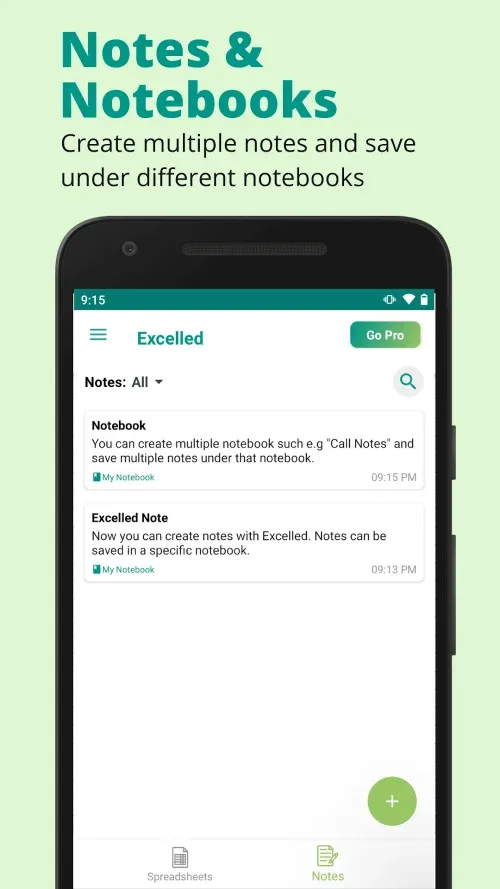
Excel Notebooks and Notes:
Organize your thoughts with the built-in note-taking feature. You can create multiple notes and save them in different notebooks.
Offline Access:
Offline access makes Excelled your go-to Excel spreadsheet app for data entry anytime, anywhere via your mobile device.
Wonderful Highlights
Export Contacts to Excel: Export contacts to an Excel spreadsheet with just a few clicks and share them via email or any other medium.
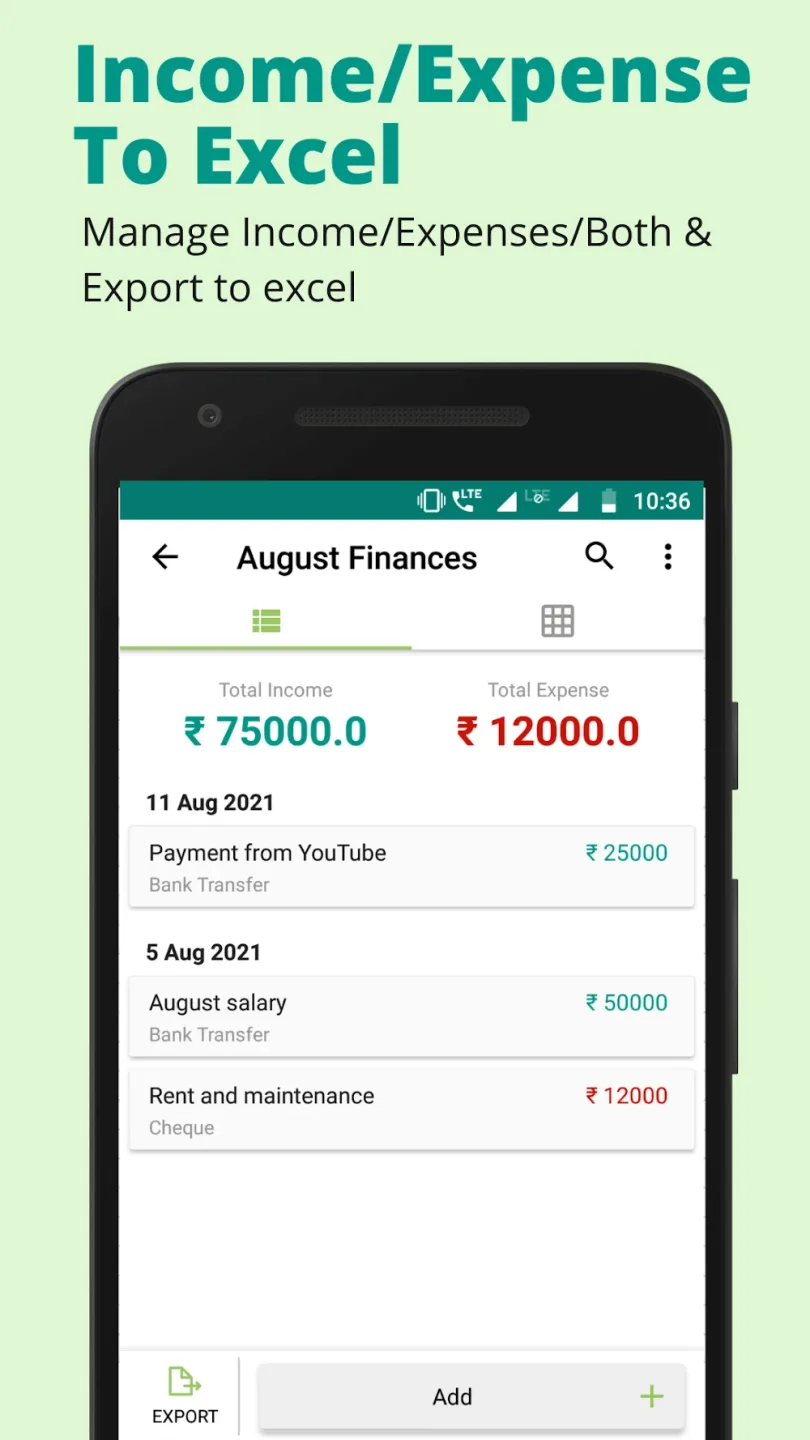
Excel Expense Sheet: Easily track daily expenses in an Excel spreadsheet using our income and expense spreadsheet templates.
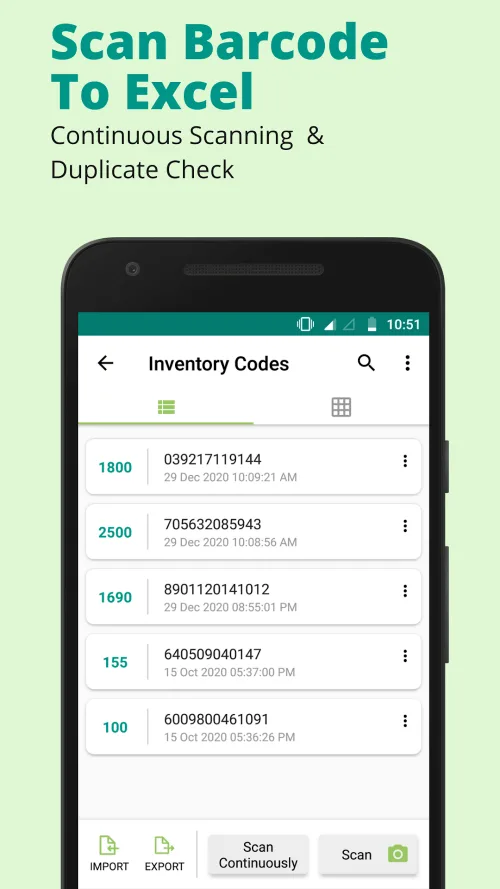
Inventory Excel Spreadsheet: Track inventory with our barcode scanner templates.
Similarly, you can create your own Excel mobile spreadsheet templates, such as budget spreadsheets, sales spreadsheets, and more.
So download the Excel spreadsheet app for Android and manage your spreadsheets like a portable database!
Final Words
A major advantage of Excel spreadsheets is that they allow users to customize column names and input types. This tool allows users to create customized spreadsheets to meet their specific needs. For example, you can use a spreadsheet if you want to track funds or inventory.