
Share Karo is a highly praised file sharing and management utility that allows users to experience convenient and fast file transfer, significantly improving work efficiency. Share Karo presents users with an intuitive and powerful file transfer tool, supporting a wide range of file formats and offering convenient file management services via QR code connection. Share Karo also supports fast access and download of content resources from popular social media platforms.
Click to load YouTube / 点击加载视频
YouTube ↗Enabling Features
No file size limit
Share files without size limitations
Share large files
Transfer shared folders
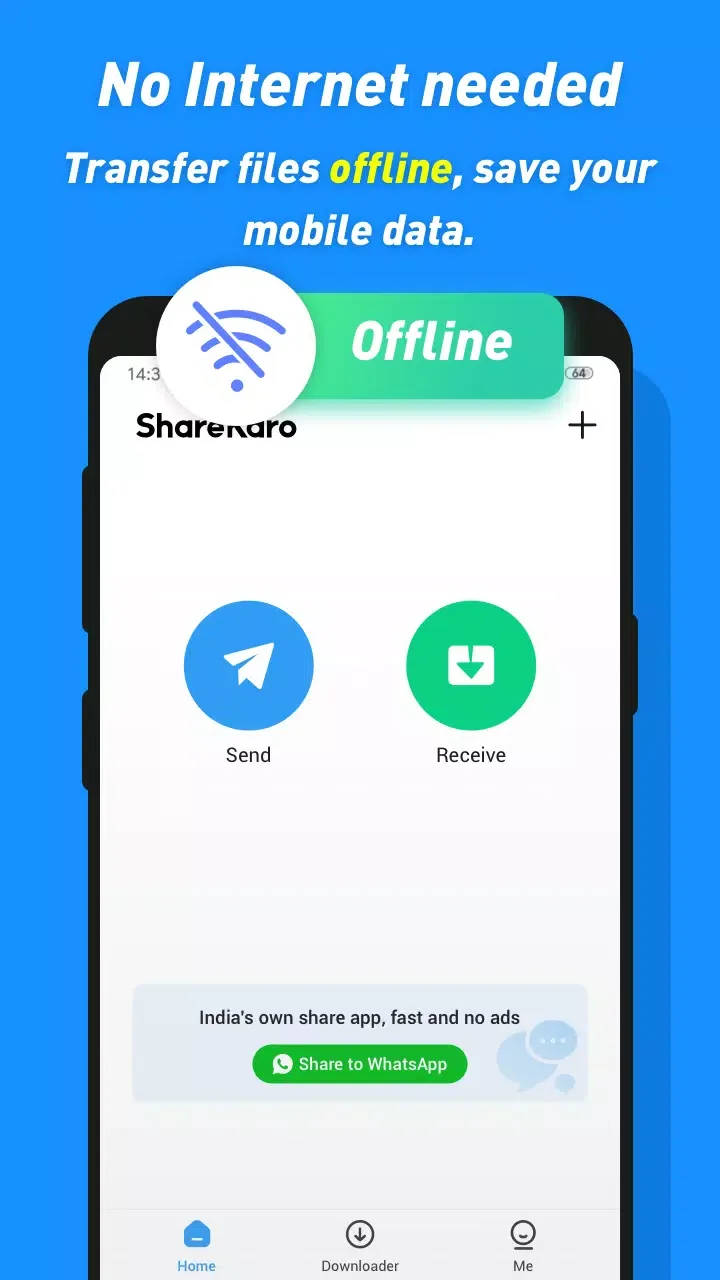
No network connection required
Share files anytime, anywhere without a network connection
Share money without moving data.
Share transfers without Wi-Fi
Very easy to use and helpful for sharing
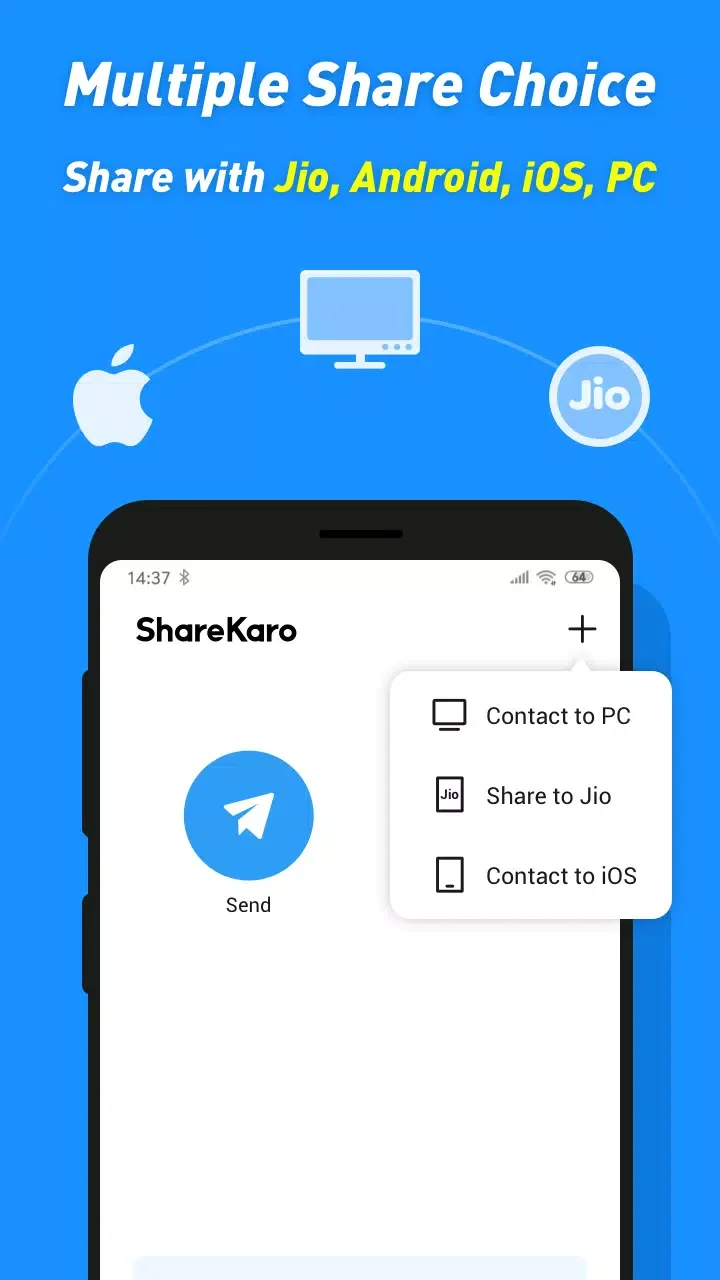
Easily connect via QR code for convenient sharing
Easily resume interrupted transfers and continue sharing without starting over.
Send easily anytime, anywhere
Exciting Characteristics
Download rich resources from platforms such as Instagram, WhatsApp, and Facebook.
With ShareKaro, you can download photos, videos, and other resources from Instagram, WhatsApp, Facebook, and other platforms.
You can manage videos, music, and other files on your phone.
With ShareKaro, you can manage videos, music, and other files on your phone, or you can use ShareKaro as a portable media player to play videos and music.
Cleaner, More Professional, More Confident
With ShareKaro, you can easily clean up junk files on your phone and improve its speed.
With our expertise, you can give your phone a fresh new look in just a short time.
Amazing Performance
A Better Experience with an Intuitive Interface
Unlike other file transfer apps filled with ads and complicated menus, ShareKaro, the file sharing and management app, stands out with its clean and intuitive interface, allowing users to easily send and receive files in minimal steps. From the moment you open the app, you can quickly select files, detect nearby devices, and start transferring in seconds.
Multiple Format Compatibility and No Size Limits
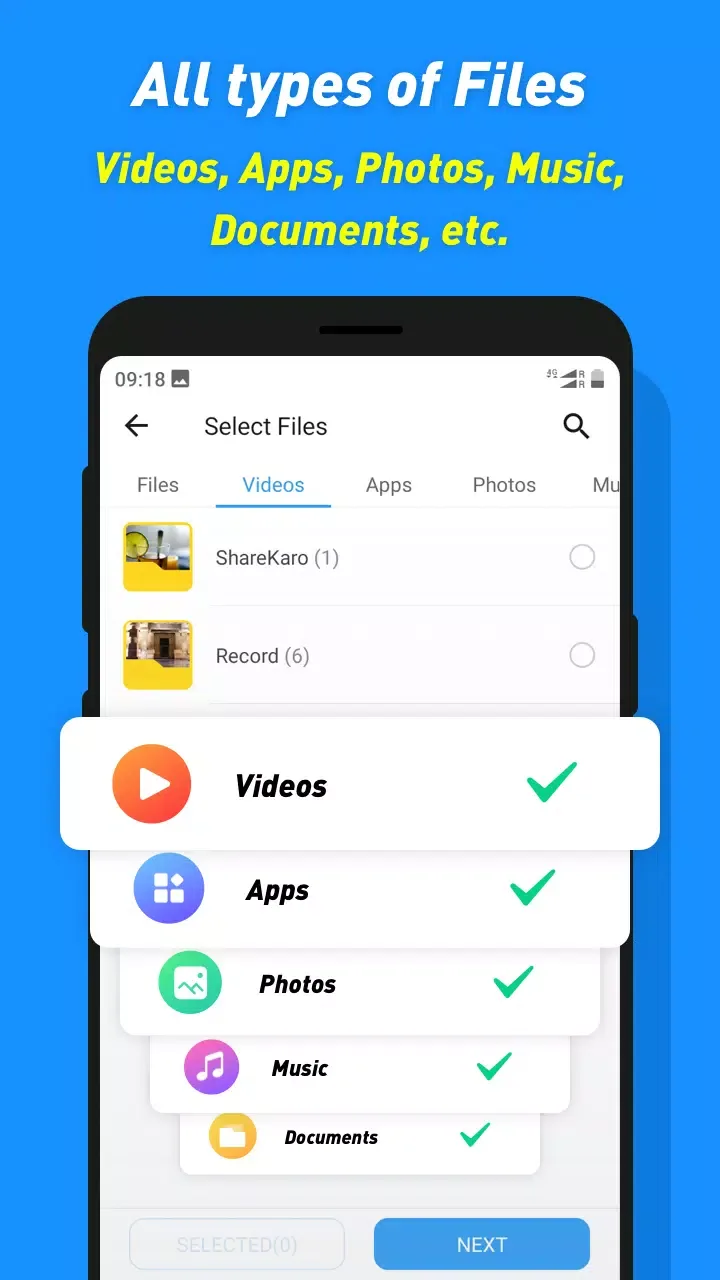
A major highlight of ShareKaro, the file-sharing and management tool, is its compatibility with all file types, allowing you to send images, videos, PDF documents, ZIP files, music, APK applications, contacts, and more, without size or compression limitations.
Ultra-Fast Offline Transfer
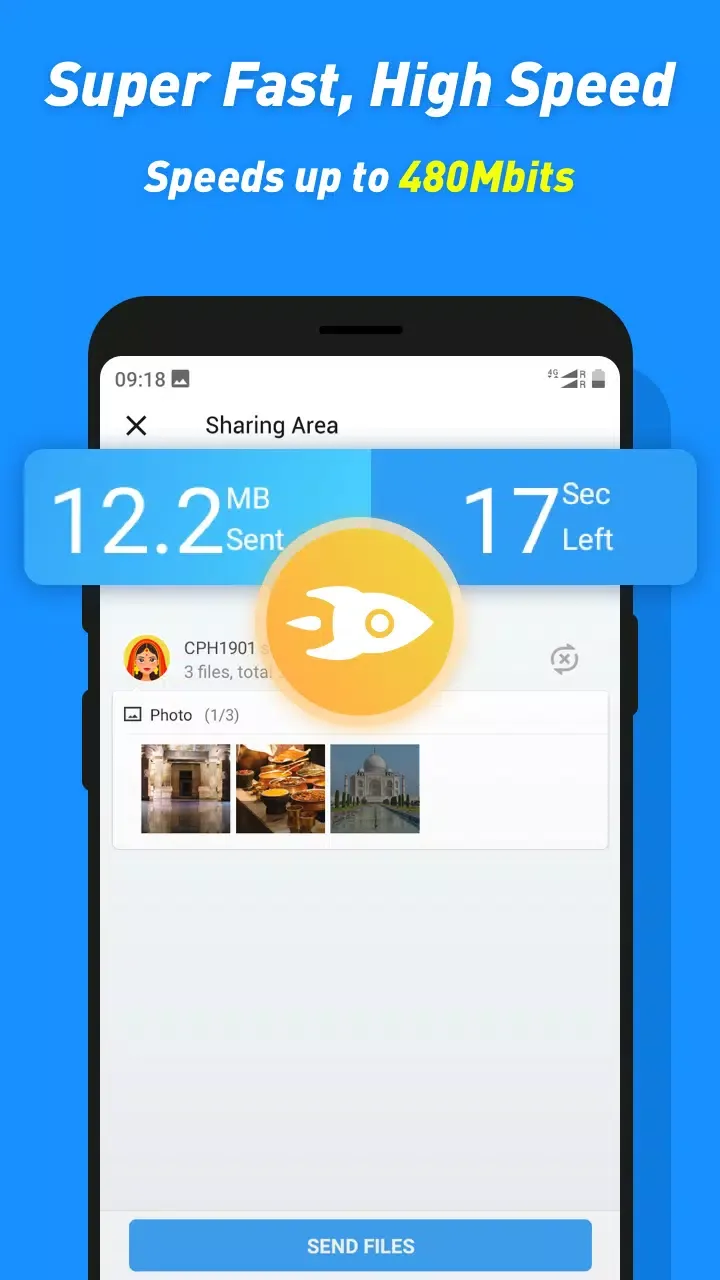
A key feature of ShareKaro is its high-speed file sharing without the need for Wi-Fi or mobile data. It doesn't rely on external networks, instead using peer-to-peer transfer technology based on Wi-Fi Direct and Bluetooth, making it 200 times faster than traditional Bluetooth. This means that even high-definition videos, application installers (APKs), and entire folders can be sent in seconds without any quality loss or interruption.
Wonderful Benefits
It's easy to use and features include unlimited file transfer size, easy connection via QR code, and powerful file management capabilities.
In addition to transferring files without an internet connection, ShareKaro Lite supports high-speed file transfer without requiring login or account creation. The app focuses on nearby file transfers, therefore location, storage, and camera permissions are required.
However, this service does not offer any encryption; therefore, you need to ensure that files are transferred to trusted individuals. Furthermore, the app does not allow you to delete files directly; you will need to use your own file manager to delete them.
Final Verdict
In summary, ShareKaro Lite is an efficient and convenient file-sharing application that allows for easy and fast file transfer without a network connection. However, it does not offer encryption and does not allow file deletion within the app.