iScanner - Escáner PDF Gratis is a document scanning and management software. Users can upload files and images of various formats, convert them to other formats, and export and share them with friends or on other platforms, thereby improving work efficiency. iScanner - Escáner PDF Gratis supports data synchronization; simply log in on different devices to transfer files and images. iScanner - Escáner PDF Gratis also supports automatic backup; simply select important information and documents, and it will perform regular backups, constantly protecting the security of users' important information.
Click to load YouTube / 点击加载视频
YouTube ↗Features:
Effortless Scanning at Your Fingertips: The primary allure of iScanner is its ability to transform your iOS device into a powerful portable scanner. Whether it’s a receipt, a contract, or a page from a book, you can quickly scan any document using your device’s camera. The app automatically detects the document’s edges and enhances the scan to produce a clear, readable PDF or JPEG file. This feature is incredibly useful for those who are constantly on the move or working remotely, eliminating the need for a traditional scanner.
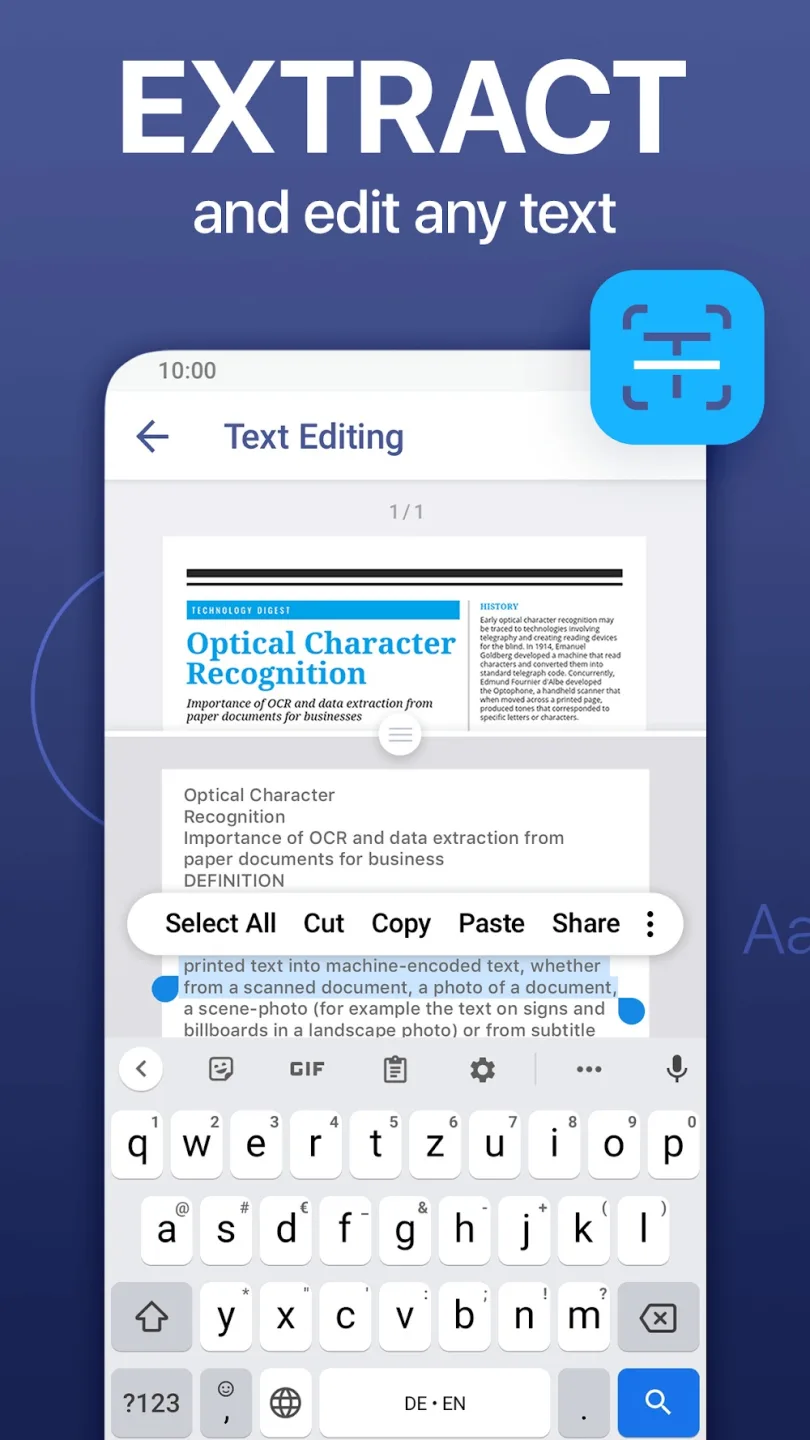
Advanced Features for Professional Needs: iScanner goes beyond basic scanning. It comes packed with advanced features like OCR (Optical Character Recognition), allowing you to extract text from scans and edit it right on your device. This is particularly handy for digitizing printed documents or turning handwritten notes into editable text. Moreover, the app supports multi-page scanning, making it easier to digitize longer documents without losing track of the pages.
Easy Organization and Sharing: Organizing and sharing documents becomes a breeze with iScanner. The app lets you store your scanned files neatly within its interface, and you can easily categorize them into folders for quick access. Sharing is just as simple – whether you need to send a scanned document via email, upload it to cloud storage, or share it through messaging apps, iScanner integrates smoothly with various platforms, ensuring your documents reach their destination without a hitch.
Security and Privacy: In an era where data security is paramount, iScanner ensures that your documents are protected. The app offers features like password protection for your files, giving you peace of mind when storing sensitive information. This level of security is crucial for professionals who handle confidential documents regularly.
Highlights:
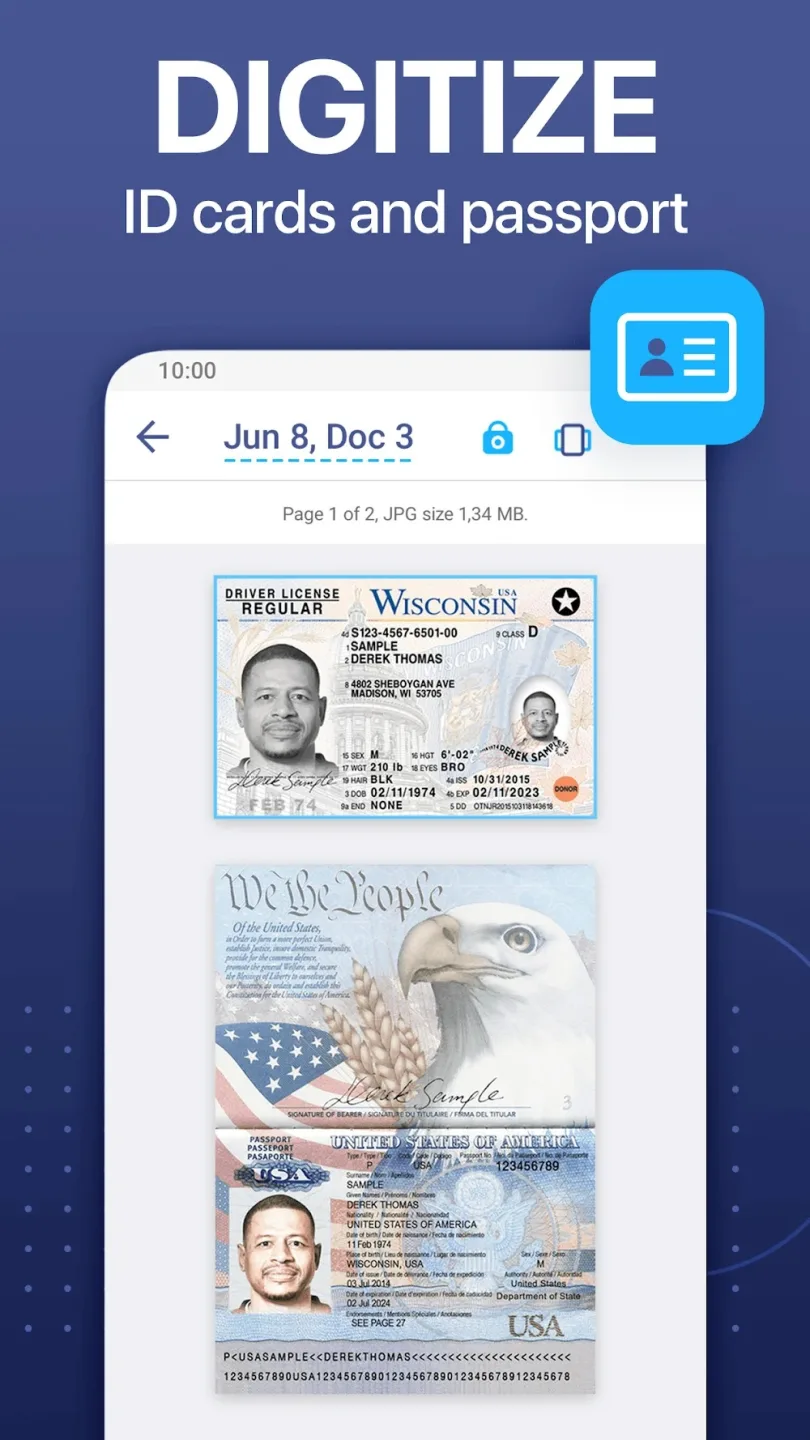
Scan documents with ease: Simply provide the app with access permissions to your camera and you can have the smart scanner enabled. Use the camera to scan and in-app features to digitize all your documents with ease. Here, iScanner lets you work with contracts, tax forms, tickets, receipts, handwritten notes, assignments, and more. All it takes is to capture the images with your camera or use the live scanner. Quickly turn these physical documents into PDFs, JPGs, or TXT files.
Work with cloud storage: Feel free to connect to the cloud storage using iScanner, as the app lets you synchronize items from your local storage in real-time. Enable this feature to protect important documents and enable easy online access. Connect to your cloud items, which you can easily open, transfer, and view on the go. Use both your mobile devices or the web browser to access the iScanner cloud files.
Tools of artificial intelligence: The inbuilt AI feature allows iScanner users to scan their documents quickly and effectively. Feel free to use the app to auto-enhance the documents with smart border detections and auto-adjustments. Also, the intelligent AI can recognize texts from any of your documents and in many different languages.
Built-in PDF editor and file manager: The built-in PDF editor in iScanner allows you to edit all your digital documents with ease. Use the color correction templates to fix and edit any selected scans with ease. Sign your scans manually or add images to the documents as your new signatures or watermarks.Mark up the documents and select texts to blur out or cover. Add texts to blank forms, using simple text editing features. Or you can use the autofill feature with its many custom templates. Merge your document pages, using easy in-app features.The powerful file manager tool in iScanner lets you manage all your files and folders on the devices and cloud storage. Here, you can use simple drag-and-drop controls to move and interact with each file and folder. Add PINs and passwords to your documents to protect them.
User Reviews:
I have been using the free app for over 5 years.Works perfect every time. Never had a problem. Itnever freezes like other apps I tried. I send mywork through this app to billion dollar corporationsand they need it exactly how they want it and Saulit comes in perfect and exactly to theirspecifications every time. Before you send it thereare a lot of adjustments you can make like size andbrightness. Amazing free service.
The second l started to use this app l knew it wasawesome. I didn't have to use one tutorial or getfrustrated AT ALL. Super intuitive and acts as ascanner. Well, I think it's a lot better than a scannerbecause I always have issues with communicationwith actual scanners. I'm about to blast this onsocial media that's how much I love it. I've beenshowing all of my colleagues.
This app is extremely easy to use and gives youevery option you could possibly need to completeany amount of clerical work and gives you theability to perfect your documents making themready to complete and send or save right fromyour phone.
FAQs:
Q: Is the app free to use?
A: The basic version is free, but the MOD version with additional features is unlocked and ad-free.
Q: Can I save my scans to the cloud?
A: The app supports saving documents to cloud services like Google Drive and Dropbox.
Q: Does the app support OCR?
A: The app includes OCR technology to convert images to text.
Q: In what formats can I save my scans?
A: You can save your scans as PDF, JPG, or TXT files.
Q: Is the scanning quality adjustable?
A: You can adjust the quality settings to ensure high-resolution scans.
Final Verdict:
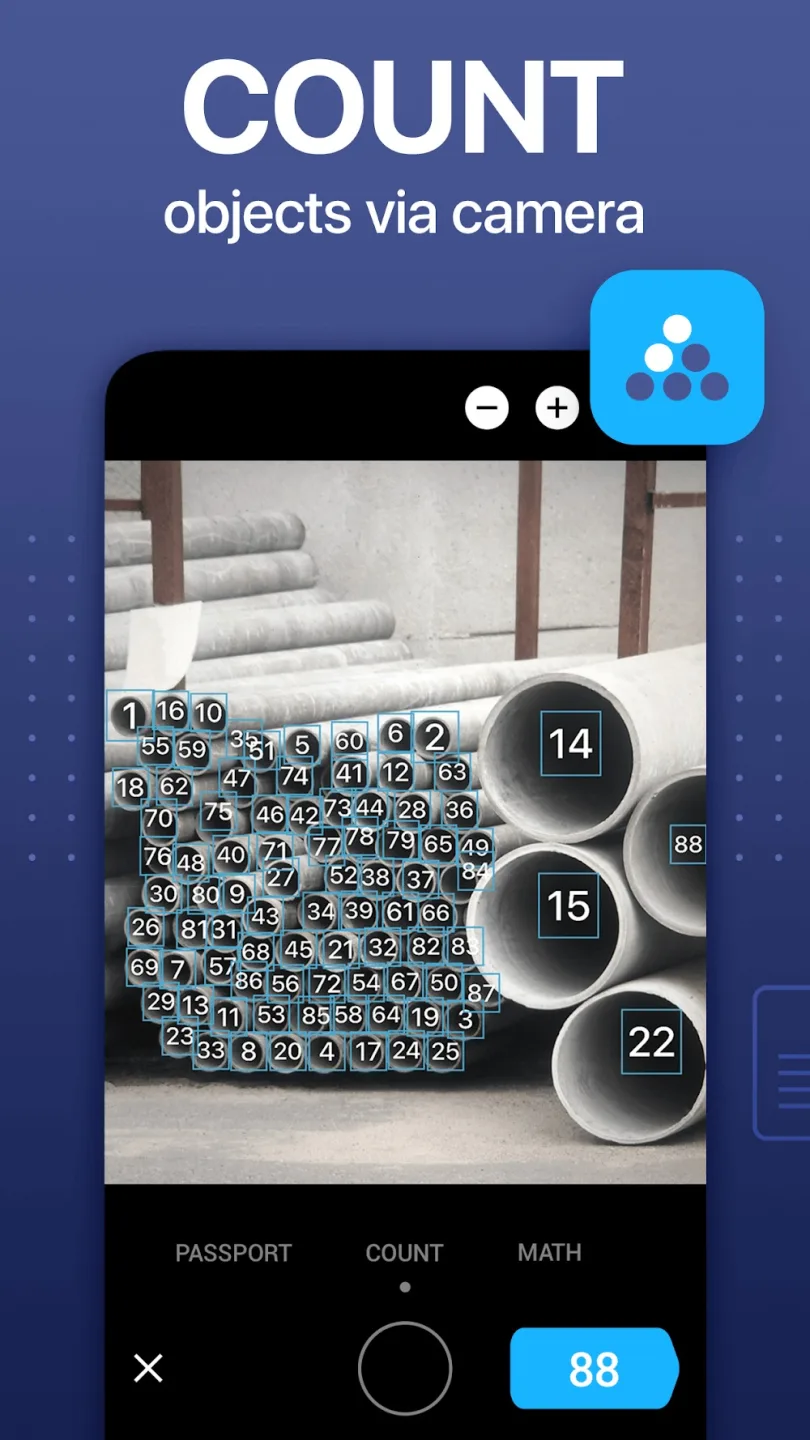
This is a versatile PDF file processing application. There aren’t any necessary tasks on PDF files that iScanner can’t do. You can view, scan, edit documents, recognize documents, count details on a page, sign, fill out forms, switch between other file formats and PDF files and much more.iScanner is designed as a versatile tool on mobile with diverse features, simple operation, intuitive interface. Make sure you can use it anytime, anywhere, save time, increase productivity to the highest possible level.