Sentio Desktop is a highly praised launcher utility that helps users create a desktop-style workspace layout, making your tasks more efficient and convenient. Sentio Desktop presents a lightweight yet powerful screen area application, allowing users to experience highly customizable layouts to suit their work activities, enabling easy multitasking and improved productivity. Sentio Desktop is simple and easy to use, providing a clear layout view so you can focus on your current workflow.
Click to load YouTube / 点击加载视频
YouTube ↗Wonderful Features of Sentio Desktop
Familiar Desktop Layout
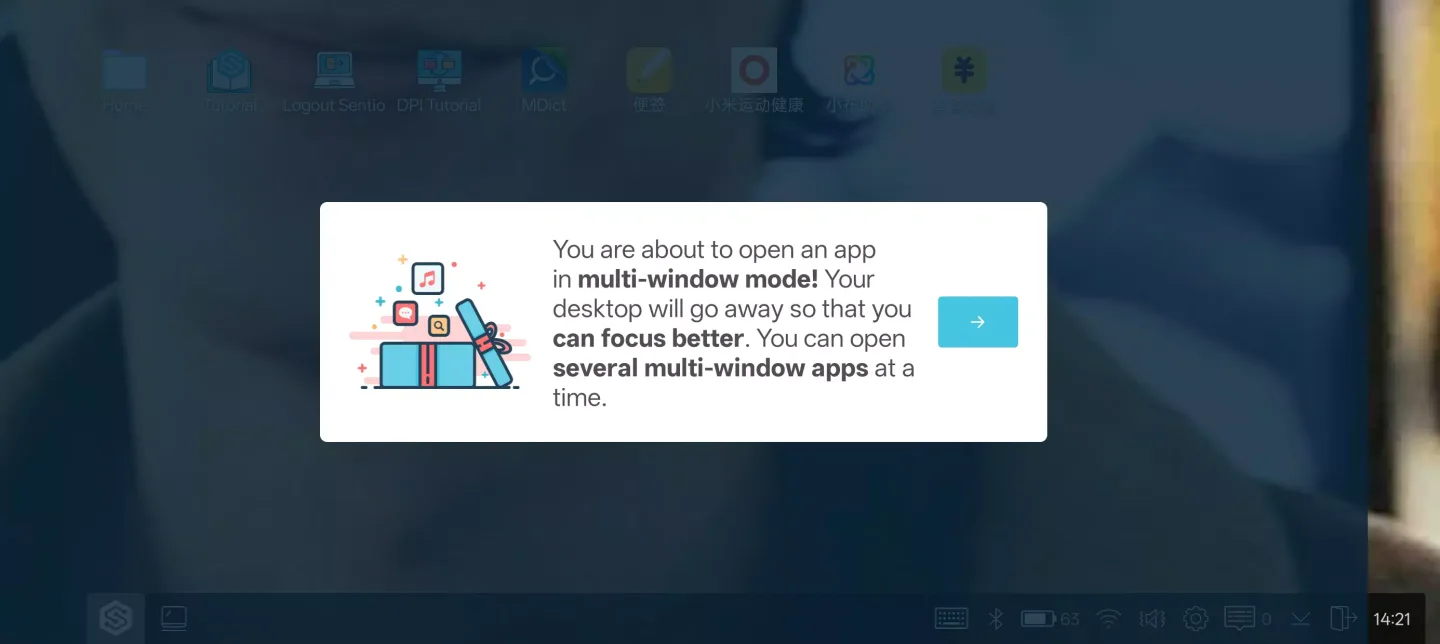
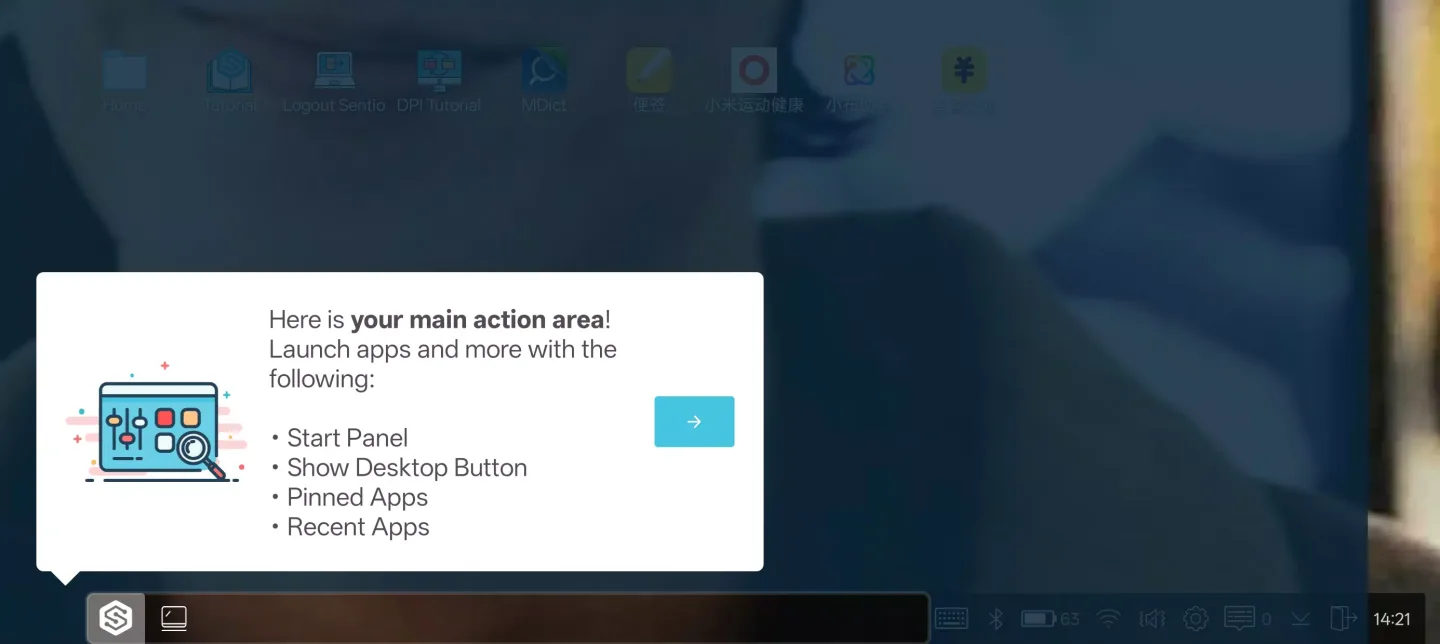
Sentio Desktop adds a computer-like Start Menu, a taskbar with a system tray, and a notification center. You can quickly access applications, settings, and controls, all centralized in one place. This helps you focus on your work without having to relearn your device.
True Window Multitasking
You can open multiple Android apps and arrange them side-by-side in resizable windows. Sentio Desktop supports drag-and-drop, alignment, and quick task switching with a simple click. Therefore, your phone or tablet can handle documents, chat, and media simultaneously.
Peripheral Device and Monitor Support
Connect a keyboard and mouse for precise input, and connect a monitor for a larger workspace. Sentio Desktop automatically launches when accessories are detected, getting you to work faster. Additionally, you can adjust the DPI or resolution on supported devices for a sharper text display.
File Shortcuts and Desktop Links
Sentio Desktop integrates with Sentio File Explorer, allowing you to easily link files and folders on your desktop. Open, move, and manage items without searching through menus. This saves time when handling repetitive tasks or sharing content.
Helpful Tips of Sentio Desktop
Download the Sentio Desktop APK, install it, and then open the app on your Android device.
Grant the requested permissions for window controls, notifications, and the taskbar to function correctly.
Afterward, connect your keyboard and mouse via USB or Bluetooth, or connect to a monitor using a compatible adapter if a larger screen is needed.
Open the Start Menu, select your applications, and arrange them into a multi-window layout. Adjust the window size and position to suit your workflow.
Then, enable the accessory detection auto-start feature in settings. If your device supports it, you can also adjust the DPI or resolution for better readability.
Fantastic Highlights of Sentio Desktop
Start Menu
Taskbar with System Tray
Notification Center
Full Keyboard and Mouse Support
Multi-Window Framework with Sentio App
And more!
Frequently Asked Questions of Sentio Desktop
What is Sentio Desktop?
Sentio Desktop is an application that allows Android phone users to turn their phone interface into a desktop computer.
Is Sentio Desktop safe to use?
Yes, it is safe to use.
Can I download Sentio Desktop for free and install it on my phone?
Yes, it is completely free to download and use.

Final Words
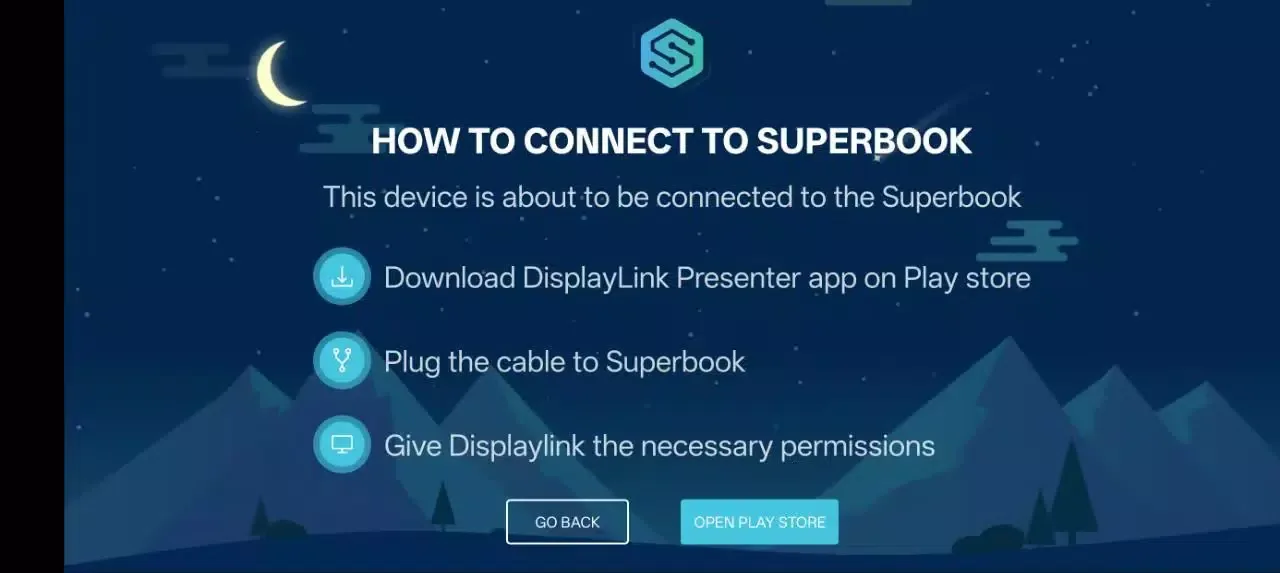
Sentio Desktop turns your smartphone into a laptop, allowing Android to run like a familiar desktop operating system. Use it with Superbook hardware for a complete laptop experience.