
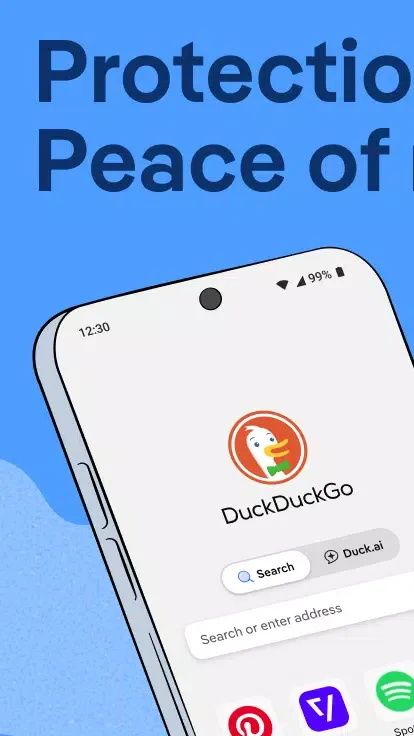
DuckDuckGo is a privacy-focused search engine. Users browsing the web are not tracked by IP address or search history, and encrypted connections are prioritized to ensure network security. It also features Duck.ai, an AI chat tool that allows full access to its functions without login and automatically removes identifiable metadata such as IP address and device fingerprint. All records are automatically deleted after 30 days. Furthermore, it offers practical functions like AI image generation and image editing for added user convenience.
Click to load YouTube / 点击加载视频
YouTube ↗How to use:
After you download DuckDuckGo, you can set up key protections in a few minutes. The steps below keep the flow simple, so you can browse privately without digging through menus.
Open the app and, if prompted, set it as your default browser to use private search and protections by default.
Go to Settings and turn on App Tracking Protection. Approve the local VPN permission so it can block hidden trackers in other apps.
Enable Email Protection to get an @duck.com alias, then use it on sign up forms to hide your real address and block email trackers.
When you open a YouTube link, choose Duck Player to watch in a distraction free view without targeted ads.
From the menu, start a Duck.ai chat to talk with AI models privately. Select a model, and subscribe if you need access to advanced models.
Features:
Keep your searches secure by default: DuckDuckGo search is built-in, so you can easily search online without fear of being tracked.
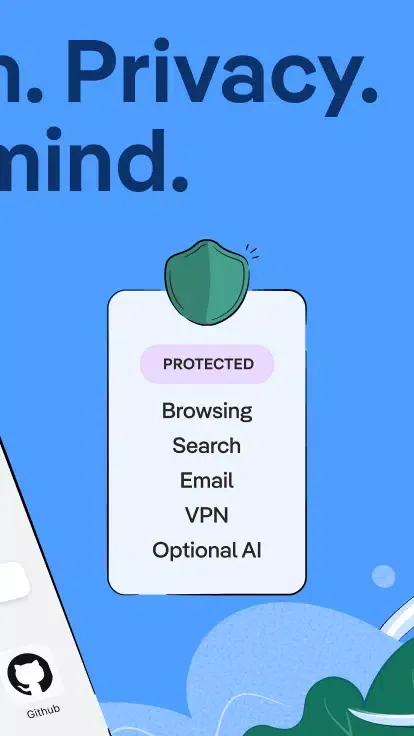
Keep your browsing history secure: Our third-party tracker loading protection blocks most trackers before they load, far exceeding the default protections of most popular browsers.
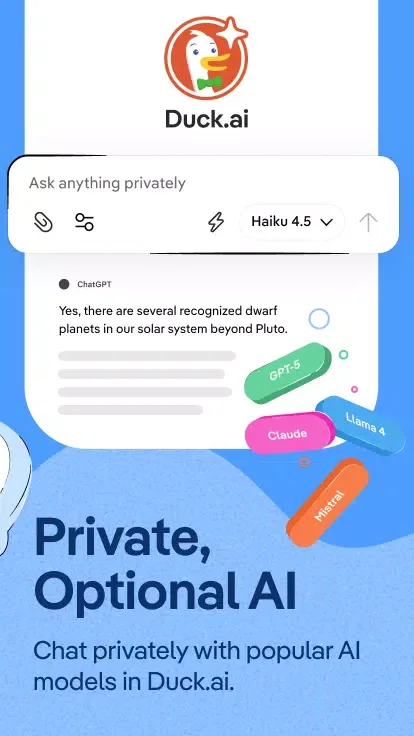
Chat privately with AI: Duck.ai lets you talk privately with third-party AI models, which are anonymized by us and never used for AI training.
Secure your email (optional): Use email protection to block most email trackers and hide your current email address using an @duck.com address.
Watch YouTube videos without targeted ads: Duck Player protects you from targeted ads and cookies. Its distraction-free interface includes the strictest privacy settings for YouTube’s embedded videos.
Automatically apply encryption: Keep your data safe from network and Wi-Fi snoopers by forcing many sites to use HTTPS connections.
Protect your personal information in other apps: Block most hidden trackers in other apps 24/7 (even when you’re asleep) and prevent third-party companies from violating your privacy with App Tracking Protection. This feature uses a VPN connection, but it’s not a VPN. It works locally on your device and doesn’t collect any personal information.
Avoid fingerprinting: Make it harder for companies to create a unique identifier for you by blocking attempts to combine information about your browser and device.
Securely sync and back up (optional): Sync encrypted bookmarks and passwords across your devices.
FAQs:
Does DuckDuckGo track your search history?
Yes, DuckDuckGo provides a built-in search engine that ensures your searches are never tracked, maintaining your privacy by default.
What is Duck.ai and how does it protect user privacy?
Duck.ai is an optional feature within DuckDuckGo that allows private conversations with third-party AI models, anonymized by DuckDuckGo and never used to train AI.
Does DuckDuckGo include a VPN service?
Yes, DuckDuckGo offers a VPN as part of its subscription, securing your connection on up to 5 devices and enhancing your online privacy.
Does DuckDuckGo block third-party trackers?
Yes, DuckDuckGo's 3rd-Party Tracker Loading Protection blocks most trackers before they load, offering more comprehensive protection than many popular browsers by default.
Does DuckDuckGo automatically use HTTPS for secure connections?
Yes, DuckDuckGo automatically enforces encryption by forcing many sites to use an HTTPS connection, shielding your data from network and Wi-Fi snoopers.
Conclusion:
Download the DuckDuckGo Private Browser APK and start protecting your privacy. Neither cookies nor other tracking elements will bother you when using this browser, especially when using the DuckDuckGo search engine. The integrated ad blocker will also automatically remove annoying ads often appearing on many web pages.